


What Is CSS3? A Developer’s Guide to Visual Web Design
CSS has always played a vital role in shaping how websites look and feel, but as digital experiences became more complex, CSS3 was introduced to meet modern demands. This third evolution of Cascading Style Sheets brought powerful tools like animations, responsive layouts, and enhanced design capabilities to support dynamic, user-friendly platforms. If you are curious about what is CSS3 and how it can be applied effectively in your business, this post will guide you through its features, pros and cons, and practical use cases.
What Is CSS3?
CSS3 is the latest evolution of Cascading Style Sheets, designed to provide developers with more advanced styling options for building modern, responsive websites. It introduces a modular architecture, dividing features into modules such as selectors, backgrounds, borders, and animations, which allows for easier adoption and scalability.
In simple terms, what is in CSS3 can be seen as the ability to create visually engaging, cross-platform web applications with less complexity and more flexibility than older CSS versions.
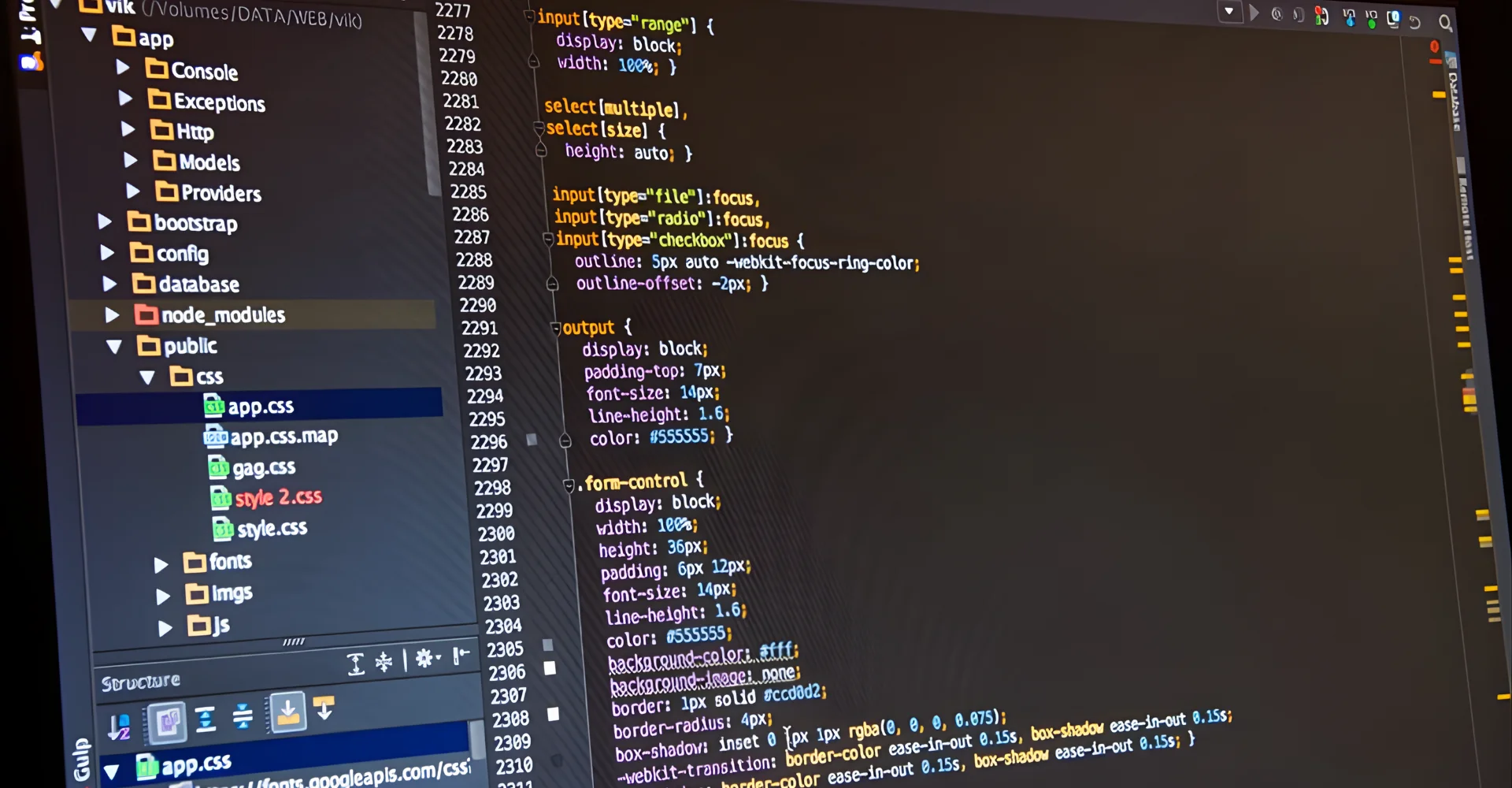
Example: Spotify leverages CSS3 to design its responsive web player interface, ensuring smooth layouts, adaptive grids, and engaging animations across devices. By using CSS3 for transitions and media queries, Spotify delivers a consistent, fast, and visually appealing experience to millions of users worldwide.
How CSS3 Works in Web Development?
At its core, CSS3 development works by separating structure (HTML) from presentation (CSS3), ensuring cleaner and more maintainable code. Developers use selectors and properties to style elements, while modules extend this functionality with advanced tools like transitions, grids, and responsive layouts.
When integrated with HTML5 and JavaScript, CSS3 enables the creation of enterprise-level dashboards, adaptive websites, and interactive user experiences across all devices.
9 Popular CSS3 Modules
One of the reasons CSS3 is so powerful lies in its modular architecture. These modules break the technology into smaller parts, making it easier for developers to adopt new features as needed. Each module adds unique capabilities to styling, layout, or animation, helping businesses build modern, responsive, and visually appealing applications. Below are some of the most widely used CSS3 modules in web development:
- Selectors Level 3 – Provides advanced ways to target HTML elements beyond simple IDs and classes, making styling more precise.
- Color Level 3 – Introduces RGBA and HSLA color models, giving designers greater control over transparency and color gradients.
- Backgrounds and Borders Level 3 – Offers properties for rounded corners, shadows, and background sizing or positioning, removing the need for extra graphics.
- Text Level 3 – Includes features such as text shadows, overflow handling, and better wrapping to improve readability and design control.
- 2D Transforms – Enables scaling, rotating, skewing, and translating elements to create dynamic effects.
- Transitions Level 3 – Allows smooth property changes over time, improving user experience with subtle animations.
- Animations Level 3 – Provides keyframe-based animation capabilities for creating interactive and engaging interfaces.
- Flexible Box Layout Module (Flexbox) – Simplifies the creation of one-dimensional layouts that adapt to different screen sizes.
- CSS Grid Layout Module – Enables the creation of complex two-dimensional layouts, giving businesses more flexibility for dashboard and portal designs.
10 Main Functions of CSS3
CSS3 introduces a rich set of features that allow developers to build responsive, engaging, and visually advanced websites. Below are the most important capabilities that make CSS3 essential for modern web development:
- Advanced selectors – CSS3 expands the range of selectors, enabling developers to precisely target elements based on attributes, states, or relationships, such as:nth-child() or pseudo-elements like:: before.
- Box model enhancements – It includes properties like border-radius for rounded corners, box-shadow for shadows, and background controls that improve design flexibility without extra images.
- Text effects – CSS3 supports text shadows, overflow handling, and word wrapping, giving developers better control over readability and aesthetics.
- Color and transparency – With RGBA and HSLA color models, CSS3 allows for transparency and a broader range of design options for brand consistency.
- Gradients – Developers can now create linear and radial gradients directly in CSS, reducing the dependency on graphic assets for background effects.
- Transitions – CSS3 enables smooth visual changes between element states, making interactions more natural and appealing.
- Animations – With keyframe-based animations, developers can create dynamic, interactive effects without relying heavily on JavaScript.
- Transforms – CSS3 allows elements to be rotated, scaled, skewed, or translated in both 2D and 3D, enhancing user experience with interactive visuals.
- Multiple backgrounds – Developers can apply multiple background images to a single element, expanding design creativity and layout options.
- Layout modules (Flexbox & Grid) – These modern layout systems simplify the creation of responsive and complex page structures, critical for enterprise dashboards and large-scale applications.
5 Common CSS3 Use Cases and Examples
CSS3 has become a critical part of modern web development because of its flexibility in solving design, layout, and responsiveness challenges across industries. Below are five sectors where CSS3 plays a significant role, with specific examples to illustrate its real-world impact.
1. Education & E-Learning
CSS3 helps education platforms build responsive layouts, improve accessibility, and enhance readability for online learners. Features like media queries and custom typography ensure content adapts seamlessly across devices, making online learning more user-friendly.
For example, Coursera applies CSS3 to create responsive course pages, exceptional edtech services, and dynamic layouts that make learning materials accessible to millions of students on both desktop and mobile devices.
2. Travel & Hospitality
In travel websites and booking systems, CSS3 supports interactive design elements like image carousels, responsive grids for listings, and smooth hover animations for improved user navigation. This helps customers explore options more easily and drives higher engagement.
For instance, Booking.com uses CSS3 animations, grids, and media queries to display property listings consistently worldwide, ensuring a smooth booking experience across devices.
3. News & Media Platforms
News portals rely on CSS3 for structured typography, fluid layouts, and adaptive media queries that adjust articles, images, and video content across devices. It ensures that content-heavy sites remain easy to read and navigate.
Ex: The New York Times leverages CSS3 to deliver responsive article layouts, interactive graphics, and smooth transitions, providing an optimized reading experience to its global audience.
4. Automotive Industry
Automotive companies use CSS3 to create visually rich product pages with animations, transitions, and responsive layouts for car model showcases. This enhances the digital buying journey by letting users explore detailed vehicle information interactively.
For example, BMW uses CSS3-based responsive design and animations on its product showcase pages, allowing customers to view car features with smooth scrolling and visual effects.
5. Real Estate
Real estate software development solutions and platforms depend on CSS3 for building grid-based property listings, interactive maps, and adaptive designs that fit both desktop and mobile searches. Features like responsive layouts and CSS3 animations make browsing faster and more intuitive.
Example: Zillow applies CSS3 for property search interfaces, ensuring images, maps, and property details display consistently, leading to higher usability and improved user satisfaction.
CSS3 vs. Previous CSS Versions
The CSS standard has gone through multiple evolutions, from basic CSS to CSS2 and now CSS3, each version adding more capabilities to meet the growing needs of modern web development. While CSS2 enabled more structured styling than the original CSS, CSS3 introduced modular architecture and advanced features that allow developers to build highly responsive and engaging websites.
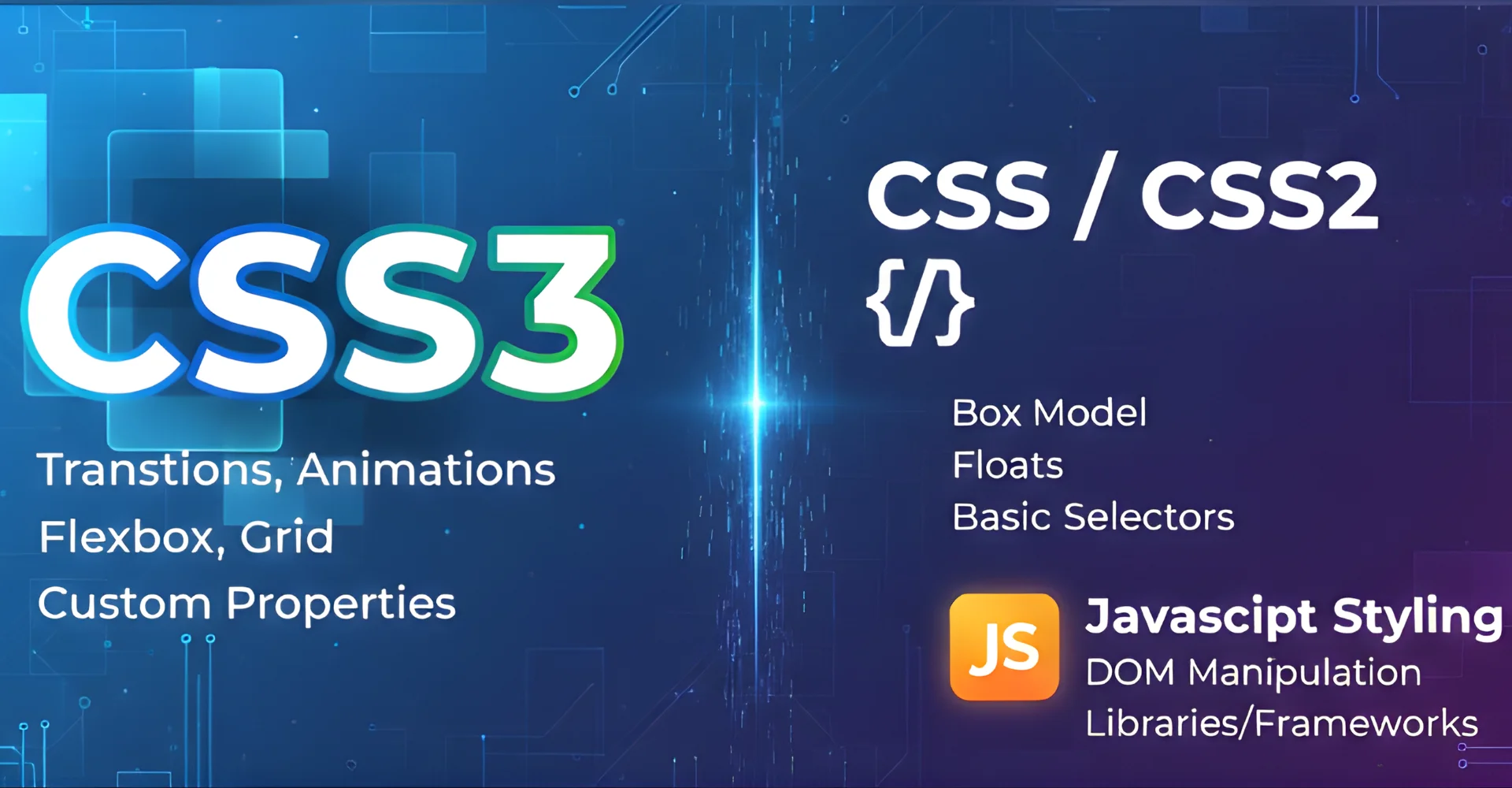
To better understand these differences, let’s compare CSS3 not only with its earlier versions but also with JavaScript styling approaches.
|
Criteria |
CSS / CSS2 | CSS3 |
JavaScript Styling |
| Performance | Limited styling capabilities, slower with complex layouts. | Optimized with modular structure and hardware-accelerated features. | Heavier and less efficient for styling tasks. |
| Scalability | Harder to manage at scale with large projects. | Highly scalable with modules like Grid, Flexbox, and Media Queries. | Scales, but becomes complex when mixed with heavy logic. |
| Ease of Use | Basic rules, but limited flexibility for complex designs. | Easier to create responsive and interactive layouts with built-in tools. | More complex syntax compared to CSS3 for styling. |
| Ecosystem | Smaller ecosystem and outdated browser support. | Large ecosystem, modern browser compatibility, and plugin support. | Strong but focused more on application logic than design. |
| Enterprise Adoption | Used widely in the early web but limited for modern needs. | Adopted by enterprises worldwide for responsive apps, dashboards, and portals. | Used when advanced interactivity is required. |
Verdict: CSS3 outperforms its predecessors by providing modular structures, responsive tools, and advanced styling features that businesses need for modern, scalable applications. While CSS3 dominates in presentation and design, JavaScript frameworks are still essential for logic-heavy applications, making them complementary rather than competing technologies.
CSS3 and Its Role Alongside HTML5 & JavaScript
CSS3 does not work alone. In modern web development, it partners with HTML5 and JavaScript to create complete, responsive, and interactive applications. Each has its role, and together they form the foundation of today’s digital platforms.
- HTML5 provides the structure. It defines the content and layout of a web page — headings, text, images, forms, and multimedia elements.
- CSS3 handles the presentation. It brings style to HTML5 by adding colors, fonts, spacing, animations, and responsive layouts.
- JavaScript manages interactivity and logic. It makes buttons clickable, forms dynamic, and data-driven features like shopping carts or dashboards work smoothly.
When used together, they allow businesses to build everything from simple landing pages to complex enterprise portals.
For example, HTML5 sets the framework for a product catalog, CSS3 ensures the design is responsive and visually appealing, and JavaScript makes the “Add to Cart” button function in real time. Without CSS3, web pages would look plain; without JavaScript, they would lack interactivity; and without HTML5, there would be no structure.
How to set up and utilize CSS3
Many beginners face challenges when learning how to set up CSS3, because they are unsure where to begin or find the process overwhelming. Based on our experience with various partners and clients, here is a straightforward step-by-step guide to help you start from scratch and understand how to use CSS3 effectively.
- Step 1: Begin by creating an HTML file and linking a CSS3 stylesheet to it using the <link> tag in the <head> section. This ensures your web page can read and apply the styles you define.
- Step 2: Write CSS3 rules using selectors to target specific elements on your page, such as headers, paragraphs, or buttons, and then apply colors, fonts, or layouts.
- Step 3: Add media queries to your CSS3 file so your website automatically adjusts its layout and design across desktops, tablets, and mobile devices.
- Step 4: Enhance user experience by applying transitions and animations, which create smooth effects when users hover, click, or scroll through your site.
FAQs
1. What is CSS3 in software development
CSS3 is the latest version of Cascading Style Sheets used in software and web development to style and design user interfaces. It provides advanced features like responsive layouts, animations, and flexible grids, helping businesses create modern and visually appealing applications.
2. Is CSS3 free?
Yes, CSS3 is completely free to use. It is an open web standard supported by all major browsers without any licensing costs.
3. How is CSS3 different from CSS2
CSS2 offered basic styling options, while CSS3 introduced a modular structure and advanced features such as media queries, animations, gradients, and flexible layouts like Flexbox and Grid. These additions make CSS3 much more powerful and suitable for modern responsive design.
4. Can CSS3 create animations?
Yes, CSS3 includes built-in animation and transition properties that allow developers to create interactive effects, such as fades, slides, and keyframe animations, without depending heavily on JavaScript.
5. Does CSS3 work with HTML5 and JavaScript?
Absolutely. CSS3 works seamlessly with HTML5 to structure and style content, while JavaScript adds interactivity and logic. Together, they form the foundation for modern, responsive, and dynamic web applications.
Conclusion
What is CSS3 can be defined as the modern standard of CSS, designed to improve the speed, flexibility, and design quality of web development. We highly recommend B2Bs to apply this model wisely by focusing on key factors like responsive design, optimized performance, and compatibility across devices.
For businesses lacking CSS3 expertise but still wanting to apply the model effectively, it is best to hire front-end developers from reputable service providers like Newwave Solutions for smooth deployment. With us, you can gain access to a full spectrum of hiring developer options—from front-end and back-end to DevOps, CMS, app, and testing developers—ensuring you find the right expertise, adaptability, and speed to match your project needs.
Partner with Newwave Solutions to expertly integrate CSS3 into your IT development projects, ensuring modern, responsive, and visually compelling digital solutions.
To Quang Duy is the CEO of Newwave Solutions, a leading Vietnamese software company. He is recognized as a standout technology consultant. Connect with him on LinkedIn and Twitter.



Read More Guides

Get stories in your inbox twice a month.
Let’s Build Something Extraordinary
Sign up for a 30 min no-obligation strategic session with us. Transform your Ideas into scalable reality.
Leave a Reply