


Cloud Computing for Small Business: Benefits & How to Start
Gartner expects more than 70% of enterprises to adopt industry cloud platforms by 2027 to accelerate business initiatives. However, cloud computing for small business is not simply about following this broader shift. The real decision is whether moving applications, data, or infrastructure can reduce IT overhead without creating new cost, security, or management challenges.
For a smaller company, the right approach depends on what needs to move, how much control the business requires, and whether the current setup can support future growth. Understanding the main cloud models, business benefits, cost drivers, and migration considerations makes it easier to decide where cloud fits and where existing systems may still make sense.
Key Takeaways
|
What Is Cloud Computing for Small Business?
Cloud computing for small business means accessing IT resources over the internet instead of buying and running all of them on company-owned equipment. These resources may include business applications, computing capacity, database services, and file storage, depending on what the company needs.
For example, a small consulting firm could keep project files and run its business applications in the cloud rather than maintaining a physical server in the office. The firm uses the services it needs while the cloud provider operates the underlying infrastructure.
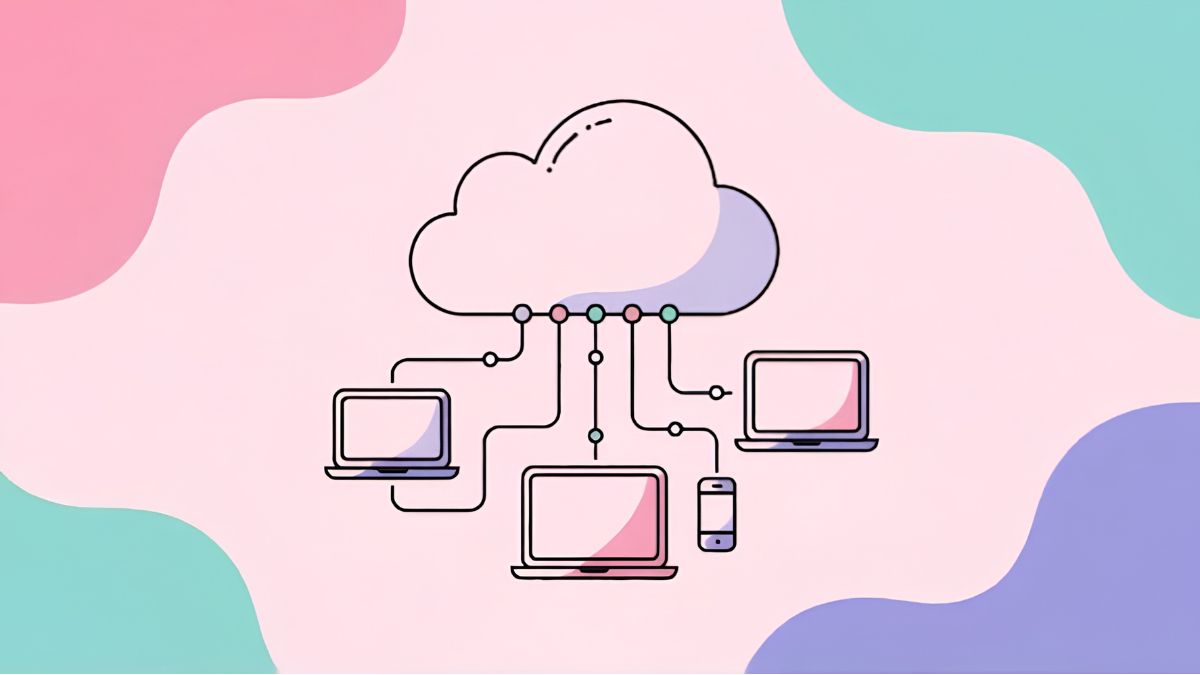
Moving to the cloud also shifts some IT responsibilities from the business to the provider, while others remain under the company’s control:
| Area | What the Cloud Provider Takes On | What the Business Still Manages |
|---|---|---|
| Infrastructure | Provides the servers and storage used to run or store business systems | Chooses which cloud resources and services it needs |
| Software and databases | Makes cloud-based software and database resources available through the internet | Decides which services to use for its operations |
| Maintenance | Handles updates associated with the cloud environment | Monitors how much service capacity it uses |
| Backup and security | Provides backup and security functions included in the cloud service | Selects a service that matches its business requirements |
Benefits of Cloud Computing for Small Businesses
The value of cloud computing in small business is not limited to replacing physical infrastructure. It can change how technology is funded, managed, and scaled as business needs evolve.
Reduce routine IT maintenance
Running infrastructure internally involves more than buying servers. Teams may also spend time maintaining hardware, managing physical facilities, replacing failed components, and keeping systems updated.
With cloud computing for small business, part of that underlying infrastructure management moves to the cloud provider or service partner. Internal teams can therefore spend less time dealing with physical equipment and more time on work connected to business systems, analytics, customer experience, or other technology priorities.
Lower and more predictable IT costs
Traditional infrastructure often requires businesses to invest in hardware before they fully use its capacity. Cloud services shift more of this spending from upfront capital investment to operating costs tied to the resources or subscriptions a company consumes.
The financial impact can be substantial in some migrations. Deloitte reported that Guardian Life reduced the cost of running its applications by 20–30% after moving more than 200 applications to the public cloud and closing its final data center. The case also shows where some savings can come from: reducing the infrastructure and data-center operations that businesses would otherwise maintain themselves.
Strengthen security and business continuity
Cloud platforms can give smaller companies access to security controls such as encryption, multi-factor authentication, and threat detection without requiring them to build every capability internally.
Cloud infrastructure can also reduce reliance on a single physical location. For example, AWS notes that distributing workloads across Availability Zones can protect against localized failures such as power outages, fires, and floods, while multi-Region architectures provide an additional recovery option for wider regional disruptions.
These capabilities do not remove the need for security planning or backup management. Their business value comes from giving companies access to infrastructure and recovery mechanisms that may be difficult to reproduce with a small on-premise environment.
Support remote work and team collaboration
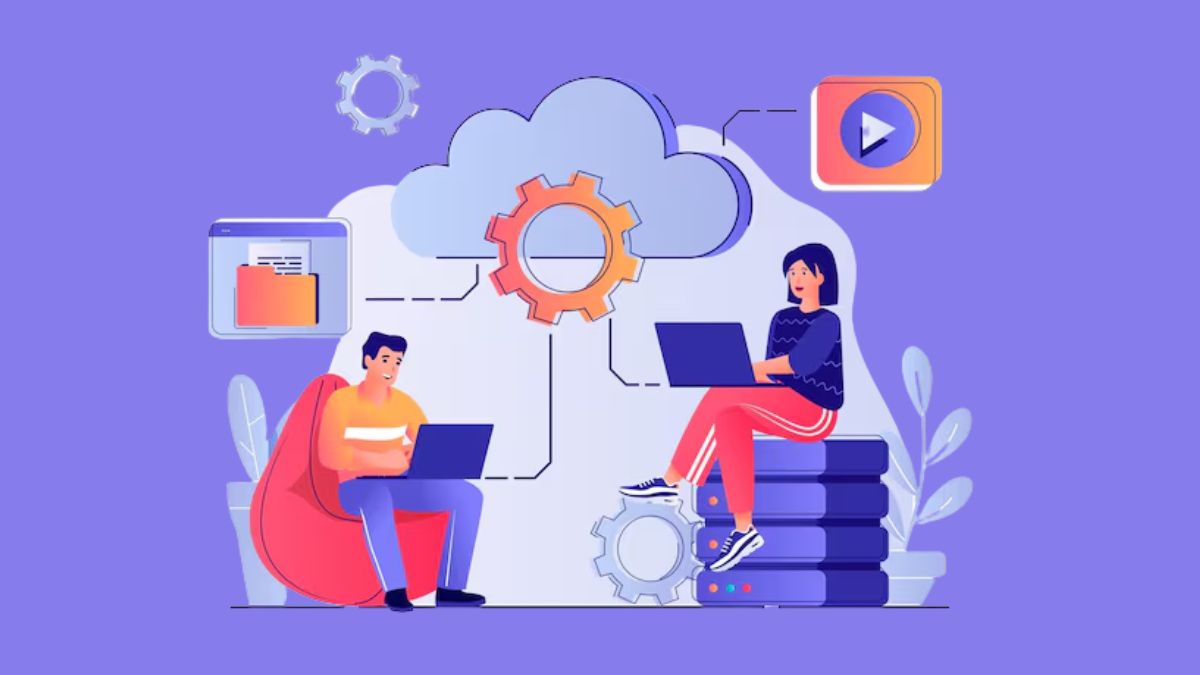
Cloud-based applications make business systems and files accessible through an internet connection. This gives teams in different locations a shared environment for accessing information and working together.
Services such as Microsoft 365 and Google Workspace illustrate this model: documents and business information can be accessed centrally rather than passed between employees as separate local copies. Cloud-based access can also make it easier to manage continuity when devices are replaced or employees work away from the office.
For small businesses with distributed or hybrid teams, this changes cloud from an infrastructure decision into a day-to-day operating tool.
Build a modern data foundation for AI and automation
AI and automation depend on data that systems can access and use consistently. When business information remains scattered across disconnected servers and applications, connecting that data to new tools becomes more difficult.
Moving appropriate systems and data into cloud environments can create a more centralized foundation for analytics, automation, and AI initiatives. The value is not that cloud adoption automatically makes a company “AI-ready,” but that it can reduce some of the fragmentation that makes data harder to access and manage.
Scale infrastructure as the business grows
Growth can create an infrastructure problem when every increase in users, applications, or workload requires more physical equipment. Cloud resources can be expanded without following the same hardware purchasing and installation cycle.
For example, a growing service company may need additional computing capacity after launching a new customer platform. Instead of installing another server before launch, it can increase its cloud resources as demand develops and reduce them again when they are no longer required.
This flexibility allows technology capacity to respond more closely to business demand, reducing the chance that infrastructure becomes a constraint on expansion.
Cloud Computing for Small Business: How Much Does It Cost?
The cost of cloud computing for small business depends mainly on the number of users, storage requirements, applications, and infrastructure consumed. Subscription software provides a simple example. Microsoft 365 Business Basic currently costs $7 per user per month when paid annually in the US and includes business email, Microsoft Teams, web and mobile Office apps, and 1 TB of cloud storage per user.
Infrastructure platforms such as AWS and Azure work differently: compute, storage, and other resources are generally billed according to actual consumption, so the monthly total changes with workload.
Monthly subscription fees, however, show only part of the financial picture. A more useful comparison is total cost of ownership (TCO), which includes the costs required to acquire, operate, maintain, scale, protect, and eventually replace the underlying IT environment.
- Subscription or service fees: Monthly or annual charges for SaaS applications and managed cloud services.
- Compute usage: Charges for virtual machines, containers, serverless functions, or other processing resources based on capacity and usage.
- Cloud storage: Costs for storing files, backups, databases, and application data, usually based on storage volume and service tier.
- Data transfer: Fees for moving data between regions, cloud services, or from the cloud to external networks.
- Database services: Charges for managed databases, including allocated capacity, storage, backups, and related operations.
- Backup and disaster recovery: Additional costs for backup storage, replication, recovery environments, and redundancy.
- Security and monitoring: Spending on identity management, logging, threat detection, monitoring, and other security services beyond the provider’s base infrastructure protections.
- Support and administration: Provider support plans, cloud management tools, and internal or external staff needed to configure and maintain the environment.
- Scaling and variable usage: Monthly costs can rise or fall as users, traffic, storage, or computing demand changes.
How to Know If Your Small Business Is Ready for the Cloud
Moving to the cloud should solve a real operating constraint, not simply follow a technology trend. These signals can help determine whether cloud computing for small business is worth evaluating.
Rising IT overhead is draining internal resources
Cloud readiness can become apparent when infrastructure work starts consuming resources that a small business needs elsewhere. The issue is not simply that servers require maintenance, but that routine technical upkeep begins influencing how the team allocates its limited time and expertise.
For example, a small company may find that technology staff spend more effort keeping existing systems current than improving applications used by employees or customers. Moving suitable workloads to the cloud can reduce direct responsibility for parts of the underlying environment, allowing internal resources to shift toward work more closely tied to business operations.
Business growth is creating infrastructure bottlenecks
Growth can expose limits that were less visible when the business was smaller. Existing infrastructure may become harder to extend as more people, systems, and operational activity depend on the same technology environment.
With an on-premise setup, accommodating additional demand can require capacity planning and further investment in physical equipment. Cloud resources can be adjusted more flexibly as requirements change.
For example, a company launching a new customer-facing service may not know exactly how much computing capacity it will need at the beginning. A cloud environment allows the business to increase resources as usage develops rather than sizing physical infrastructure around an uncertain initial estimate.
Data protection and recovery are becoming harder to manage
Another readiness signal is when the business can no longer answer two basic questions with confidence: Can important data be recovered after a disruption, and is access limited to the people who actually need it?
Cloud services can support both areas through off-site data protection, recovery capabilities, and more controlled user access. This can be useful for small businesses that have outgrown manually managed backup processes or increasingly complex permission structures.
Moving to the cloud does not transfer all security responsibility to the provider. The need to rethink the current environment arises when protecting and recovering business information has become difficult to manage consistently with existing resources.
Existing systems no longer fit how teams work
Infrastructure can also become a constraint when employees increasingly work outside a single office environment. The warning sign is often not remote work itself, but the number of workarounds required to reach applications, coordinate changes, or access the same information from different locations.
Cloud-based systems can give employees a common environment that follows them across devices and workplaces. Instead of designing workflows around where an application or file is physically located, teams can access the resources they need through the cloud.
When existing technology starts determining where or how employees can work effectively, it may be time to reassess whether the current infrastructure still fits the business.
Which Type of Cloud Computing Fits a Small Business?
When it comes to cloud computing for small business, two decisions matter most. The first is the cloud service model, which determines what the provider manages versus what the business controls. The other one is the deployment model, which determines where the cloud environment runs and how it connects with existing systems.
Cloud service models for different business needs
Cloud service models differ mainly in how much of the technology stack the provider manages and how much control the business keeps. For small businesses, choosing between SaaS, PaaS, and IaaS depends on whether they need ready-to-use software, a development platform, or configurable infrastructure.
| Model | Best For | Level of Control | Typical Use |
|---|---|---|---|
| SaaS | Businesses that want ready-to-use applications | Low | Business software accessed through a browser |
| PaaS | Teams building and running applications | Medium | Application development, testing, and deployment |
| IaaS | Businesses that need more control over infrastructure | High | Virtual computing, storage, networking, and application hosting |
SaaS: For ready-to-use business applications
Software as a Service gives users access to applications over the internet without requiring them to install or maintain the underlying software environment themselves. The provider hosts the application, manages updates, and makes the service available through a browser or login.
For a small business, SaaS is often the most straightforward option when the goal is to use an existing business application rather than build or operate the technology behind it. This reduces the amount of hardware and software maintenance that needs to be handled internally.
IaaS: For greater infrastructure control
Infrastructure as a Service gives businesses access to configurable cloud infrastructure without requiring them to own the physical hardware. This can include virtualized compute, storage, and networking resources that are provisioned as needed.
Unlike SaaS or PaaS, IaaS gives the business more freedom to configure the resources needed to run applications and IT systems. That additional control also means the company remains responsible for more of the environment it builds on top of the provider’s infrastructure.
For small businesses with specific hosting requirements or applications that need a more configurable environment, IaaS can offer greater flexibility without requiring them to purchase the underlying physical hardware.
PaaS: For businesses building applications
Platform as a Service is designed for companies that need to develop, run, and manage their own applications but do not want to manage the full infrastructure stack.
The provider supplies the underlying hardware, software, and development environment, while the development team focuses mainly on the application itself. This can reduce the effort involved in setting up servers, development tools, and supporting infrastructure before development begins.
PaaS therefore sits between SaaS and IaaS: the business retains control over the application it builds, while more of the underlying platform is handled by the provider.
Types of cloud deployment models
Choosing a service model answers what level of technology the provider manages. A deployment model answers a different question: where the cloud environment is operated and how much of it is shared or dedicated.
Public cloud
For many small businesses, public cloud is the easiest place to start because there is no need to build or operate dedicated infrastructure. The provider runs the underlying environment, while the business uses the services and capacity it needs.
This model can suit companies that want to reduce infrastructure ownership, add resources as demand changes, or move standard business workloads to the cloud without taking on extensive hardware management.
Private cloud
A private cloud gives one organization a dedicated cloud environment with greater control over configuration and how infrastructure is managed.
For a small business, this model may make sense when specific security, compliance, or customization requirements justify a more controlled setup. The trade-off is that greater control usually comes with more management responsibility than a standard public cloud environment.
Hybrid cloud
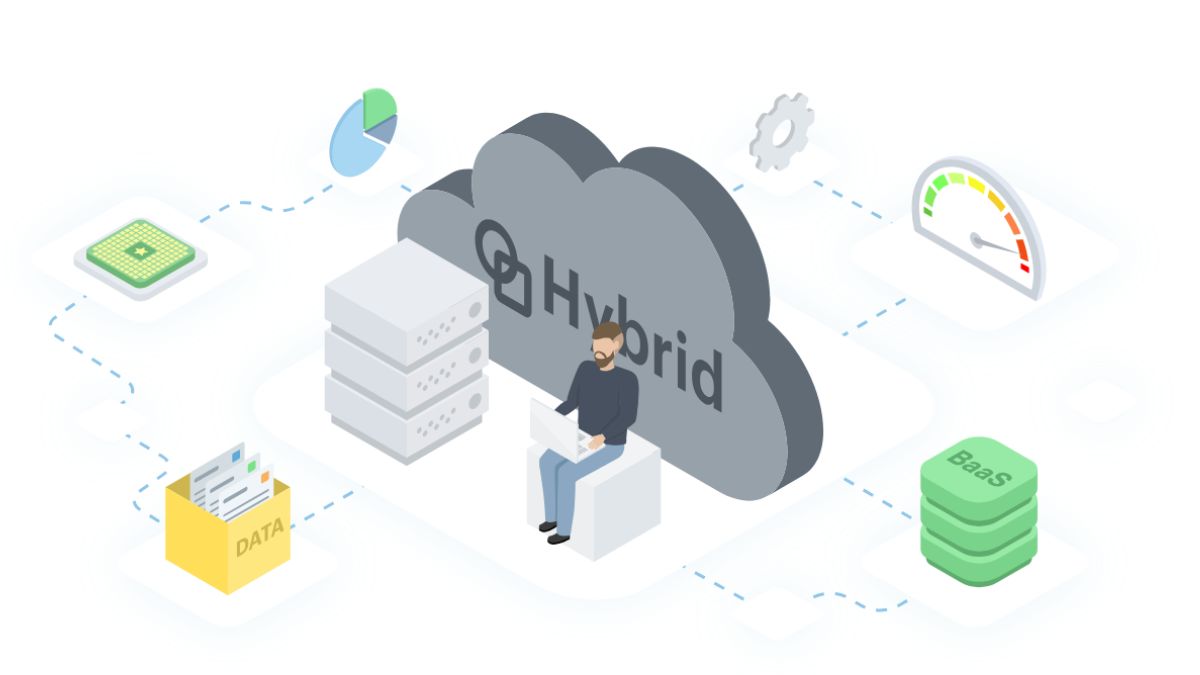
A hybrid approach lets a small business keep selected systems in a private or existing environment while using public cloud services for other workloads.
This can be useful when the company is not ready to move everything at once. For example, it may retain systems with stricter control requirements while moving less sensitive applications or new workloads to the public cloud. This gives the business more flexibility when balancing existing infrastructure, security requirements, and cloud adoption.
Top Cloud Storage Options for Small Businesses
Choosing the right cloud storage platform depends on how a small business stores, shares, and protects its data. The options below suit different needs, from everyday collaboration to scalable infrastructure and backup.
Amazon Web Services (AWS)
AWS is better suited to small businesses that need storage as part of a broader cloud infrastructure rather than only a place to keep shared documents. Services such as Amazon S3 and Amazon EBS can support application data, backups, and scalable storage requirements.
AWS also connects with services for computing, databases, networking, content delivery, identity management, and serverless applications. This makes it relevant for businesses expecting their storage requirements to grow alongside custom applications or other cloud workloads.
Dropbox Business
Dropbox Business is a practical option for small teams that need a shared place to manage business files without moving into a full cloud infrastructure environment. It supports common collaboration needs through controlled file sharing, version history, and administrative permissions, while Smart Sync can reduce the amount of content stored locally on employee devices.
Its connections with Microsoft 365 and Slack can also fit existing team workflows, making it easier to manage documents across tools while keeping access under centralized administration.
Google Workspace (Google Drive)
Google Drive fits businesses where cloud storage is part of everyday document work rather than a separate infrastructure layer. Files can be created, edited, and shared directly through Google Docs, Sheets, and Slides, giving teams a common workspace for collaborative tasks.
For small businesses, the combination of search, access controls, security features, and third-party integrations can make it easier to organize shared information and manage file access across different users and teams.
IBM Cloud Object Storage
IBM Cloud Object Storage is more relevant when storage needs extend beyond employee documents into application data, backup, analytics, or AI-related workloads. Its object storage model is designed to scale with growing data requirements and can operate within multi-cloud environments.
Data protection, security, and compliance capabilities also make it suitable for businesses that need tighter control over stored information.
Microsoft Azure
Azure can make sense for small businesses already working with Microsoft technologies or planning a hybrid environment that connects cloud resources with existing systems.
Its storage capabilities sit within a wider platform that also includes analytics, machine learning, security, and other cloud services. For businesses using Microsoft tools and requiring more than simple file sharing, Azure can provide a path from basic storage toward broader cloud infrastructure and data workloads.
Price is another part of the decision, especially when storage sits alongside compute, data transfer, backup, and other cloud services. For a broader cost comparison, see our cloud pricing comparison.
Step-by-Step Guide to Implement Cloud Computing for Small Business
Implementing cloud computing for small business starts with understanding what the current environment needs to fix, then moving workloads in a controlled sequence. A phased approach gives the business a clearer starting point and reduces the disruption that can come from moving several systems at once.
Step 1: Define the business problem and success criteria
Start with the business reason for adopting cloud rather than choosing a platform first. The objective might be to reduce infrastructure costs, make systems easier to access remotely, improve collaboration, or accommodate growing data and workloads.
Turn that objective into a specific, measurable outcome, such as reducing infrastructure costs, improving system availability, or supporting remote access for a defined group of users. This gives the project a clear target and makes it easier to evaluate whether the migration has delivered the expected result.
Step 2: Audit applications, data, and dependencies
Review the existing IT environment to understand what is currently running, where problems occur, and which systems may benefit from moving to the cloud.
The assessment should identify outdated hardware or software, applications under capacity pressure, and processes that depend heavily on the current infrastructure. It should also document how applications and data relate to one another so those connections are not overlooked during migration.
Step 3: Decide what should move first
Not every workload needs to move at the same time. Start by identifying systems that can be migrated with lower operational risk before addressing more central or interconnected applications.
For example, a business might begin with file storage or another less critical workload before migrating systems that support core daily operations. This provides an opportunity to validate the approach without placing the entire environment at risk during the first migration phase.
Step 4: Select the cloud model and provider
Choose the cloud environment based on the requirements identified during assessment. Public, private, and hybrid cloud models provide different levels of control and flexibility, while individual providers differ in scalability, security, compliance capabilities, support, and integration options.
The provider decision should therefore follow the workload requirements rather than precede them. A company that needs to retain part of its existing infrastructure, for example, may evaluate a hybrid approach rather than moving everything into one public cloud environment.
Step 5: Migrate in controlled phases
Break the migration into manageable stages instead of treating it as a single cutover. Moving selected workloads first allows the team to identify technical issues and refine the approach before more important systems are affected.
The migration plan should define which applications move in each phase and how the transition fits with ongoing business operations. Larger or more interconnected systems can then follow once the earlier stages have been completed successfully.
Step 6: Test, secure, and train users
Before a migrated system becomes part of daily operations, check that applications, data access, and key workflows work as expected. Security settings and user permissions should also be reviewed before wider rollout.
At the same time, employees need clear guidance on how to work in the new environment. Training should cover how to access files and applications, use changed workflows, and follow relevant security practices. Assigning clear responsibilities and providing simple checklists can make the transition easier to manage.
Step 7: Monitor cost, performance, and security
Cloud adoption does not need to happen across the entire business at once. Starting with one workload, system, or team can make it easier to identify issues and build experience before expanding the cloud environment further.
After deployment, continue monitoring how the migrated systems perform and how employees use them. Review costs, operational issues, and security controls as requirements change, then adjust resources or extend cloud adoption to additional workloads when the earlier stages are stable.
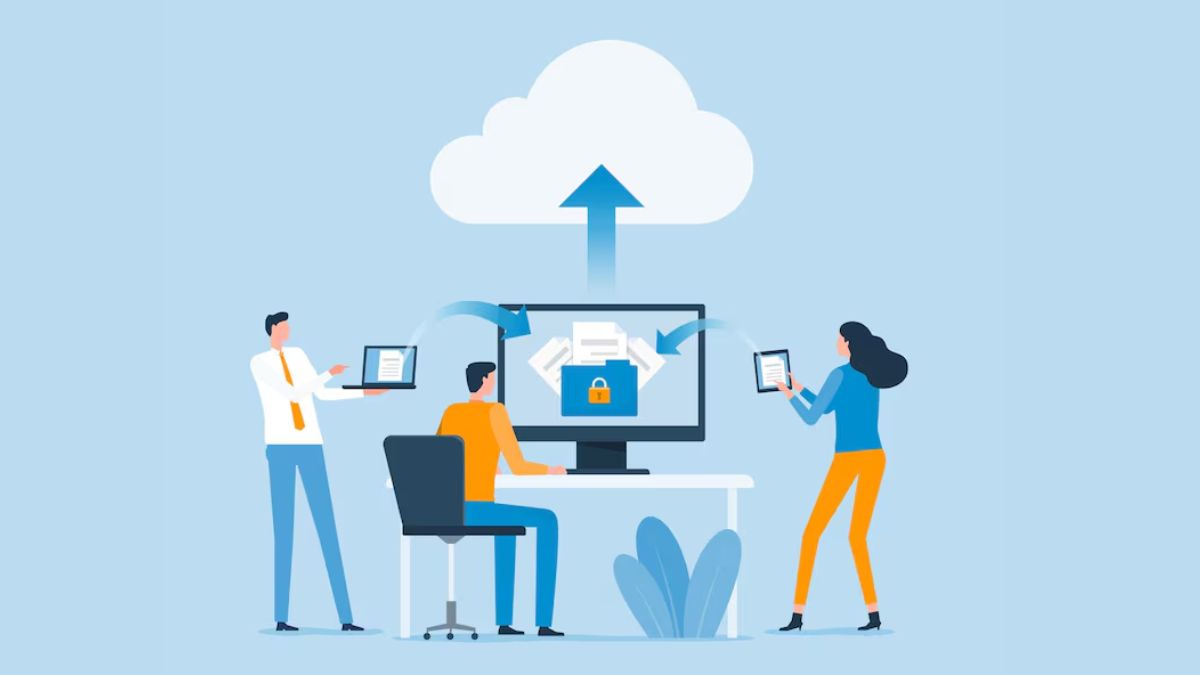
For a deeper look at workload assessment, migration approaches, planning, and execution, explore our guide to cloud migration strategy.
Cloud Security and Other Risks Small Businesses Should Consider
Cloud adoption can reduce infrastructure burden, but it also introduces responsibilities that small businesses still need to manage. Security, cost control, system integration, and provider dependency should all be evaluated before moving critical workloads to the cloud.
Data security and shared responsibility
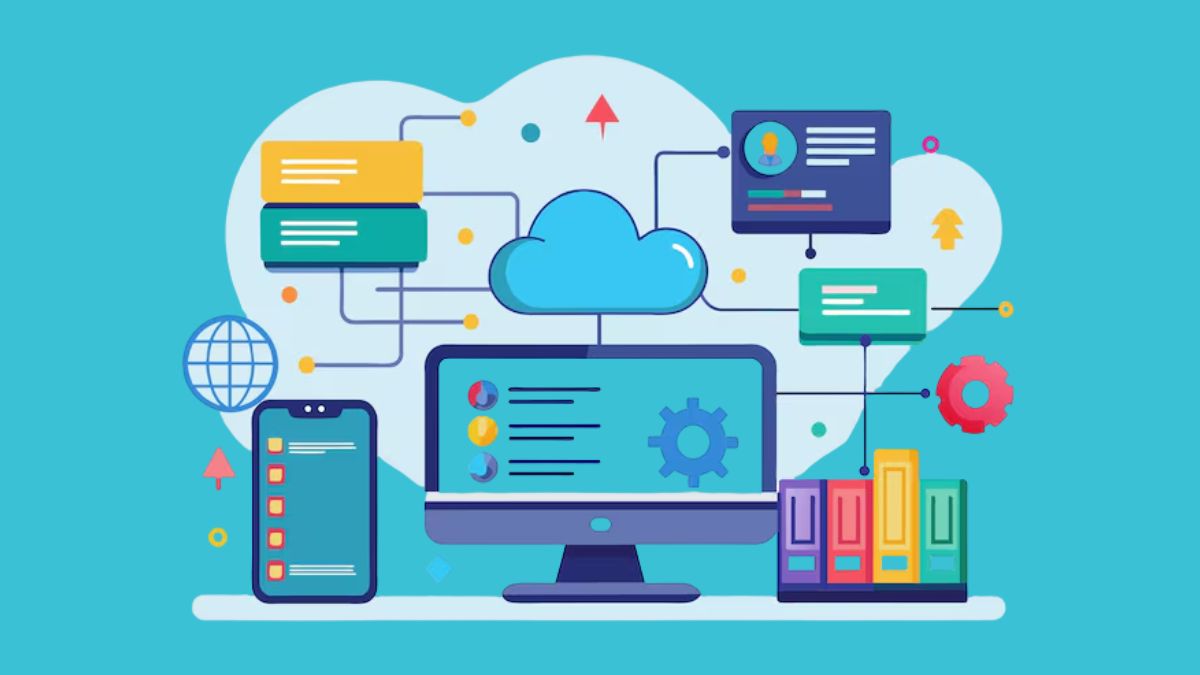
Protecting business data remains a core concern after moving to the cloud. A provider may offer encryption, access controls, monitoring, and compliance-related capabilities, but those features still need to be configured and used correctly.
For small businesses handling sensitive information, security should be part of the provider selection process from the start. Relevant controls may include encryption, identity and access management, and support for compliance requirements such as HIPAA or GDPR where applicable.
Responsibility is also shared. The cloud provider protects parts of the underlying environment, while the business remains responsible for areas such as user permissions, account security, data handling, and service configuration. The exact split depends on the cloud model, so companies should understand which security tasks remain under their control before migration.
Cloud cost overruns and usage spikes
Usage-based pricing gives businesses flexibility, but it can also make monthly spending less predictable when demand changes. More users, additional storage, higher traffic, or increased computing activity can raise the bill if resources are allowed to scale without close monitoring.
Cost control therefore depends on more than choosing a low initial price. Businesses should understand how the provider charges for the services they expect to use, track consumption, and review whether provisioned resources still match actual demand.
Scaling down unused capacity can be just as important as scaling up when workloads grow. Without that discipline, the flexibility of cloud infrastructure can turn into unnecessary recurring spend.
Integration with existing systems
A cloud service may fit a business on its own but still create problems if it does not work well with the applications, data, or workflows already in place.
Before migration, businesses should identify which systems exchange data or rely on one another. Moving one application without accounting for those connections can create additional manual work, duplicate information, or interruptions to existing processes.
This becomes particularly important when cloud adoption happens gradually. A small business may continue operating some systems on premises while moving others to the cloud, so integration requirements should be considered before deciding which workloads move first.
Service availability and provider dependency
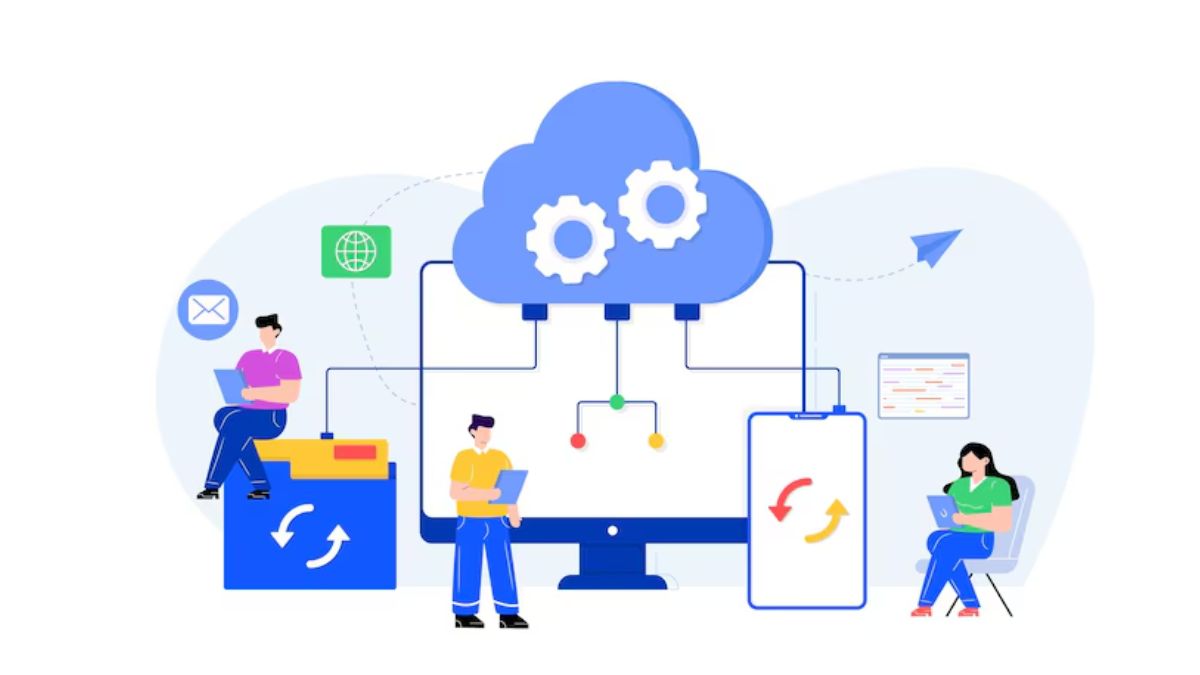
A business that relies on cloud applications also depends on the provider’s service availability. Provider uptime history, backup options, recovery capabilities, and service commitments should therefore form part of the evaluation, especially for systems that employees or customers need throughout the day.
There is also a longer-term consideration. As more applications, data, and workflows become tied to one cloud platform, moving to another provider may become more difficult. Businesses should think about data portability, integration dependencies, and how easily workloads could be moved or replaced if requirements change later.
These risks do not mean small businesses should avoid cloud computing. They show why provider selection and migration planning should consider reliability, cost, security, and long-term flexibility alongside features.
If external expertise is needed for a more complex move, comparing experienced cloud migration companies can help businesses evaluate providers based on migration scope, platform expertise, delivery approach, and post-migration support.
How Newwave Solutions Can Help Small Businesses Move to the Cloud
Newwave Solutions helps small businesses plan and execute cloud migration across AWS, Azure, and GCP, with support that covers both technical delivery and security considerations. By combining multi-cloud expertise with an end-to-end migration approach, we can help businesses choose a suitable cloud environment, reduce migration risk, and maintain stronger control throughout the transition.
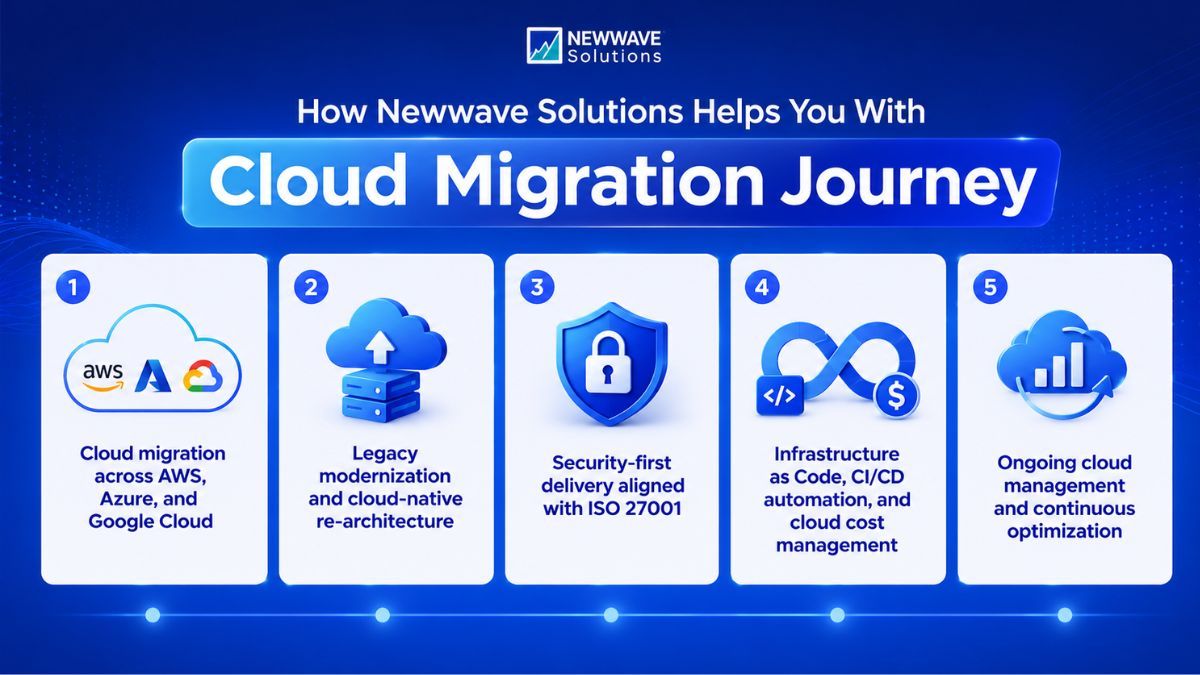
We guide small businesses through a structured process that covers each stage of the move, from initial assessment to post-migration optimization.
- Assess current systems and cloud readiness: We review applications, infrastructure, data, and dependencies to determine what can move to the cloud and what may need preparation first.
- Define the right migration approach: We plan an appropriate migration path for each workload based on technical requirements, business priorities, and potential disruption.
- Design the target cloud architecture: We define how applications, data, infrastructure, and supporting services should operate in the new environment.
- Migrate and integrate systems: We move selected workloads and maintain the connections they need with existing applications and business processes.
- Test and optimize after migration: We validate the migrated environment, address issues, and refine configurations for ongoing performance, security, and operational needs.
If your business is planning a move to the cloud, Newwave Solutions can help define a practical migration path and supporta full migration journey . Explore our cloud migration services or contact our team to discuss your current environment and migration goals.
Conclusion
Cloud adoption can give small businesses more flexibility to scale, reduce the burden of maintaining physical infrastructure, and support more accessible ways of working. The value of cloud computing for small business, however, depends on how well the chosen services match actual workloads and business priorities.
Before moving forward, businesses should look beyond the benefits and consider how cloud costs, security responsibilities, existing system dependencies, and provider choices will affect day-to-day operations. A gradual migration based on clear priorities can make these decisions easier to manage.
Newwave Solutions can support this process from cloud assessment and planning through migration and optimization. Let’s get in touch to discuss a cloud approach that fits your business.
FAQs
1. Is cloud computing good for small businesses?
Yes, when it addresses a clear business need. Cloud computing for small business can reduce dependence on physical infrastructure, make resources easier to scale, and support remote access. However, businesses should still consider costs, security responsibilities, integration requirements, and which workloads are suitable for migration.
2. Which cloud computing platform is best for small businesses?
There is no single best platform for every small business. AWS, Microsoft Azure, and Google Cloud support different workloads and environments, while services such as Google Workspace or Dropbox may be sufficient for businesses mainly seeking cloud-based collaboration and file storage. The right choice depends on existing systems, technical requirements, budget, and required level of control.
3. How much does cloud computing cost?
Cloud computing costs depend on the service model and actual usage. For example, Microsoft 365 Business Basic costs $7 per user per month in the US when paid annually, while infrastructure services such as AWS EC2 and Azure compute use consumption-based pricing, so costs rise or fall with resources such as compute, storage, and data transfer.
4. What is the main benefit of cloud computing for small businesses?
A major benefit is flexibility. Small businesses can access and adjust IT resources as their needs change without relying entirely on additional physical infrastructure. This can make it easier to support growth while reducing some of the hardware management required with an on-premise setup.
5. Do I need an IT team to manage cloud operations?
Not always. SaaS applications generally require less technical management because the provider handles much of the underlying software and infrastructure. More complex environments using IaaS, integrations, or hybrid cloud may require internal IT expertise or support from an external cloud service provider.
To Quang Duy is the CEO of Newwave Solutions, a leading Vietnamese software company. He is recognized as a standout technology consultant. Connect with him on LinkedIn and Twitter.



Read More Guides

Get stories in your inbox twice a month.
Let’s Build Something Extraordinary
Sign up for a 30 min no-obligation strategic session with us. Transform your Ideas into scalable reality.
Leave a Reply