


AI in Cloud Computing: Benefits, Application & Best Practices
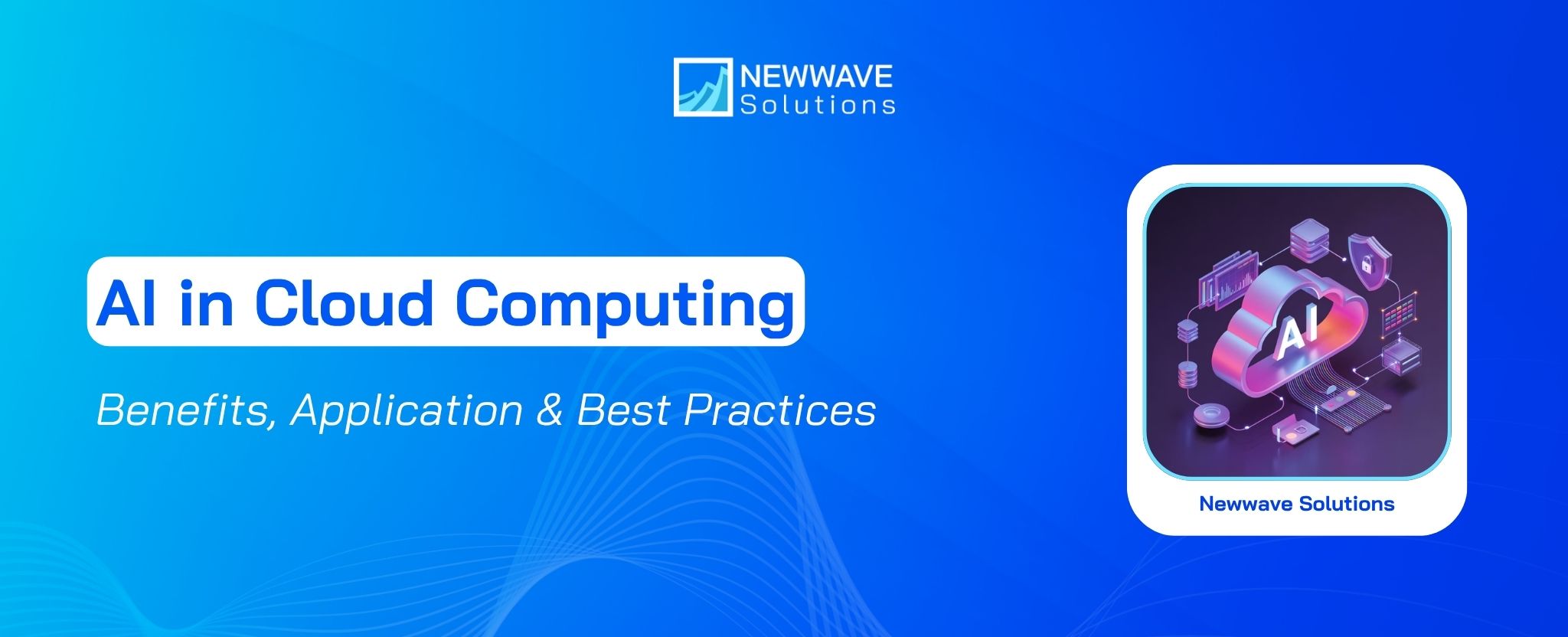
AI in cloud computing is moving beyond hosting AI workloads in the cloud. Companies are also using AI to monitor infrastructure, allocate resources, detect anomalies, strengthen security, and control cloud spending. The real question is no longer whether AI and cloud can work together, but where that combination creates enough operational or business value to justify the added cost, data requirements, and governance effort.
That makes understanding the practical role of AI in cloud environments especially important before investing in new tools or architecture. This guide explains how AI works within cloud environments, where it delivers the most practical benefits, the use cases worth considering, and the risks to assess before deciding how to adopt it.
Key Takeaways
|
What is AI in Cloud Computing?
AI in cloud computing is the use of artificial intelligence within cloud environments to make cloud services more capable and easier to manage. Instead of relying only on fixed rules or manual workflows, AI can help cloud-based systems analyze information, automate recurring tasks, and handle more complicated processes.
The relationship also works in the other direction. Cloud platforms can provide the infrastructure and tools needed to build and operate AI systems. This may include pre-trained models, MLOps tools, and computing environments used to develop, deploy, and manage AI applications.
A simple way to think about it is that AI adds intelligence to cloud operations, while the cloud provides the environment in which AI can run and scale. For example, AI may be added to cloud security or orchestration tools to improve how they detect patterns, make decisions, or coordinate tasks.
How does AI Integrate with Cloud Computing?
AI and cloud computing are integrated through a two-way relationship. Cloud computing is the infrastructure layer that provides the compute and storage needed to use AI, while AI is the intelligence layer that adds automation, decision-making, and predictive capabilities to cloud services.
Cloud infrastructure allows organizations to use AI without making large upfront infrastructure investments. Through AI cloud services, businesses can access computing resources as needed and scale compute and storage independently on a pay-as-you-go basis.
AI also broadens how cloud environments can be used. It can turn cloud-hosted data into actionable outputs, reduce manual work across recurring processes, and identify likely future patterns, while cloud resources can be adjusted as demand changes.
AI Cloud vs. Traditional Cloud Computing
Traditional cloud computing is infrastructure delivered on demand, while AI cloud is that same cloud foundation combined with built-in AI and machine learning capabilities.
The main difference is how workloads are managed. Traditional cloud environments rely more on predefined rules, manual monitoring, and configuration, whereas AI Cloud can use machine learning to analyze workloads, automate responses, and optimize operations.
| Comparison area | Traditional Cloud Computing | AI Cloud |
|---|---|---|
| Core purpose | Infrastructure for compute, storage, networking, SaaS hosting, enterprise workloads, web services, and APIs | Cloud infrastructure combined with AI and ML capabilities for analyzing, optimizing, and automating workloads |
| Compute and storage | Elastic compute and storage that can be provisioned based on demand | AI-optimized infrastructure that can include GPUs, TPUs, and predictive scaling |
| Automation | Automation depends largely on configured rules and scripts | Machine learning can automate scaling and workload management |
| Data analytics | Stores and queries data | Uses built-in ML tools for predictive analysis and real-time insights |
| Operations | Monitoring and optimization often require human intervention | AI can support predictive scaling, anomaly detection, and automated optimization |
| Security | Relies on tools such as firewalls, IAM policies, and manual monitoring | Adds AI-based anomaly detection and automated incident response |
| Cost management | Usage and billing are monitored manually | AI-driven FinOps can forecast and optimize cloud spending |
| Compliance | Audit tools are available, but checks may require manual effort | AI can automate compliance monitoring for requirements such as HIPAA, SOC 2, and GDPR |
| AI capabilities | Does not provide intelligence as a native operating layer | Can include pre-built services for vision, speech, NLP, recommendation systems, and generative AI |
| Model lifecycle | Model training and monitoring require separate configuration | MLOps tools can support model training, deployment, and monitoring within the cloud platform |
Key Types of Cloud Computing Enhanced by AI
AI can be applied across three main cloud environments: public cloud, multicloud, and hybrid cloud. Each model uses AI differently depending on how cloud resources are organized and accessed.
Public cloud
Public cloud gives businesses access to off-premises infrastructure operated by third-party providers. Adding AI to this environment extends what those cloud services can do, allowing organizations to use more advanced capabilities without building the underlying infrastructure themselves.
In practice, this means AI functions can be delivered as part of cloud-based products and services rather than managed entirely internally.
Multicloud
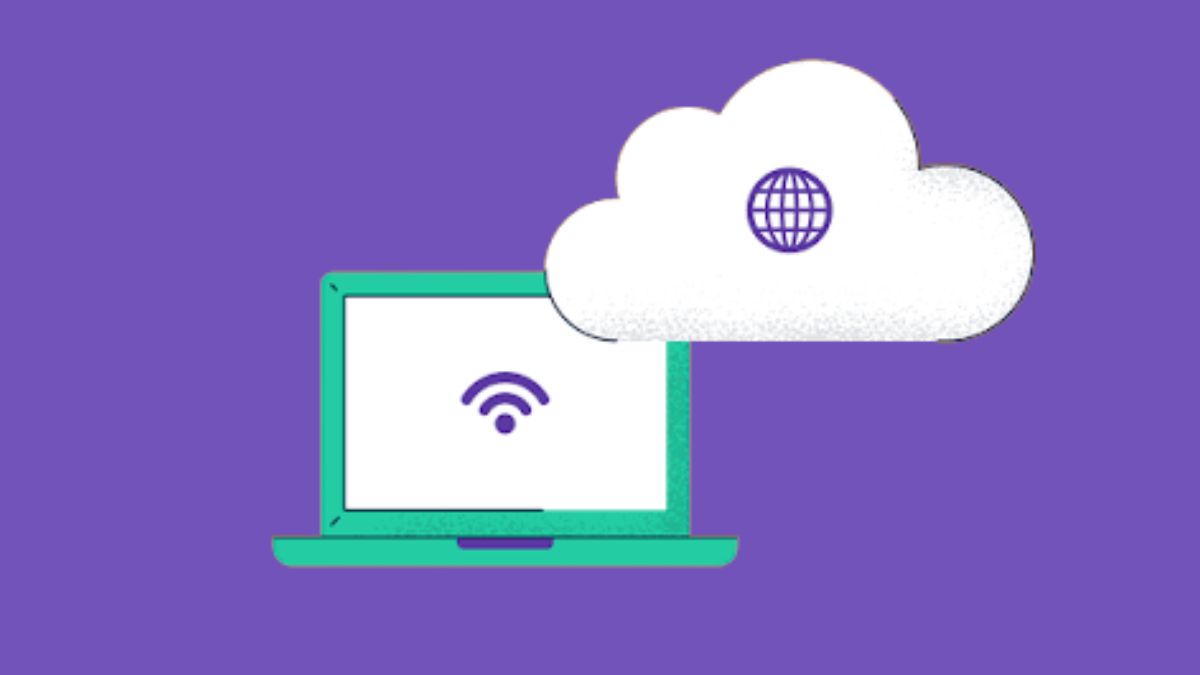
Multicloud uses more than one public cloud provider, with different workloads assigned to different platforms. For AI initiatives, this model can provide more flexibility by allowing workloads to be distributed across several cloud environments. It is especially useful when an organization wants access to different AI tools across providers or wants to avoid depending too heavily on one platform.
For example, one provider might be used for a particular AI workload while another supports a separate application or business function.
Hybrid cloud
Hybrid cloud combines public cloud and multicloud environments, giving organizations more options for where AI tools and workloads are placed. The main advantage is choice: different AI requirements can be matched with the environment that fits them best. This model makes sense when a business needs more flexibility in deciding where different AI workloads should run instead of relying on a single cloud setup.
For a deeper comparison of how cloud architecture choices affect flexibility, scalability, and provider dependency, see our guide on Single Cloud vs Multi Cloud Architecture: A Strategic Decision Guide.
Top Advantages of Using AI in Cloud Computing
AI in cloud computing can improve how organizations manage resources, data, operations, security, and planning. Its main advantage is that it adds automated analysis and action to cloud environments, helping teams respond more effectively to changing workloads and large volumes of data.
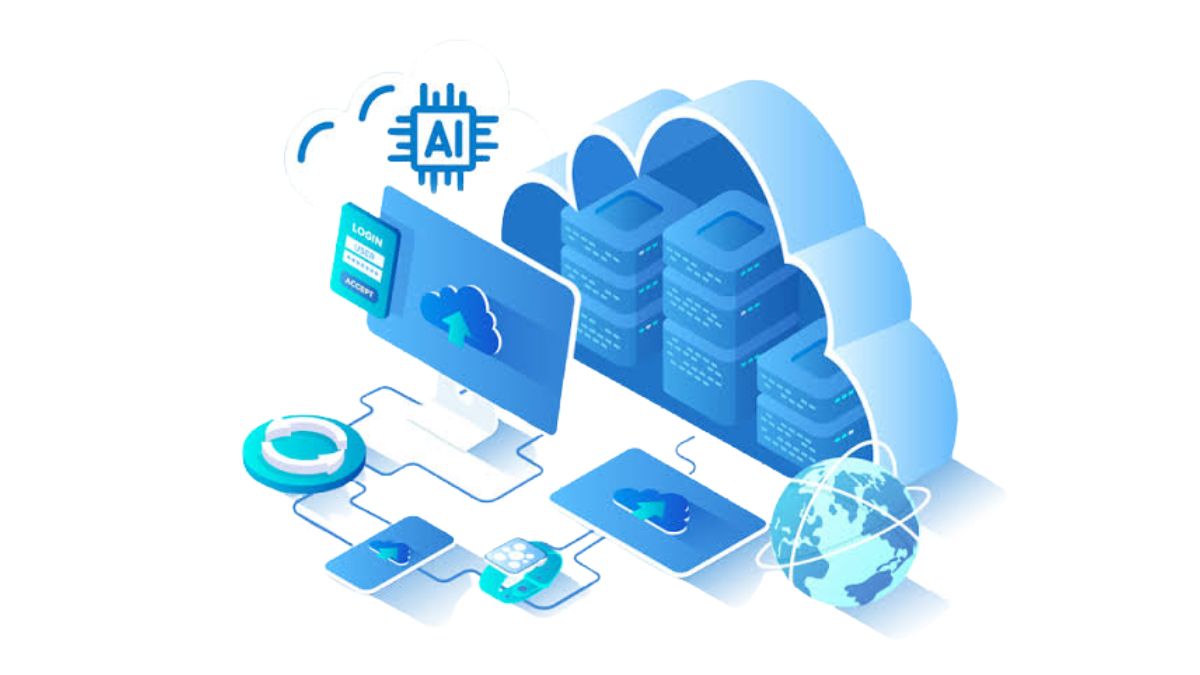
Lower cloud costs through smarter resource use
Cloud costs often rise when resources are overprovisioned or left underused. AI-based monitoring can detect where capacity is being wasted and adjust resource allocation as demand changes.
Predictive analysis can also estimate future capacity requirements. This gives businesses a better basis for planning usage and budgets, while reducing the risk of unnecessary overage costs.
More efficient cloud and data management
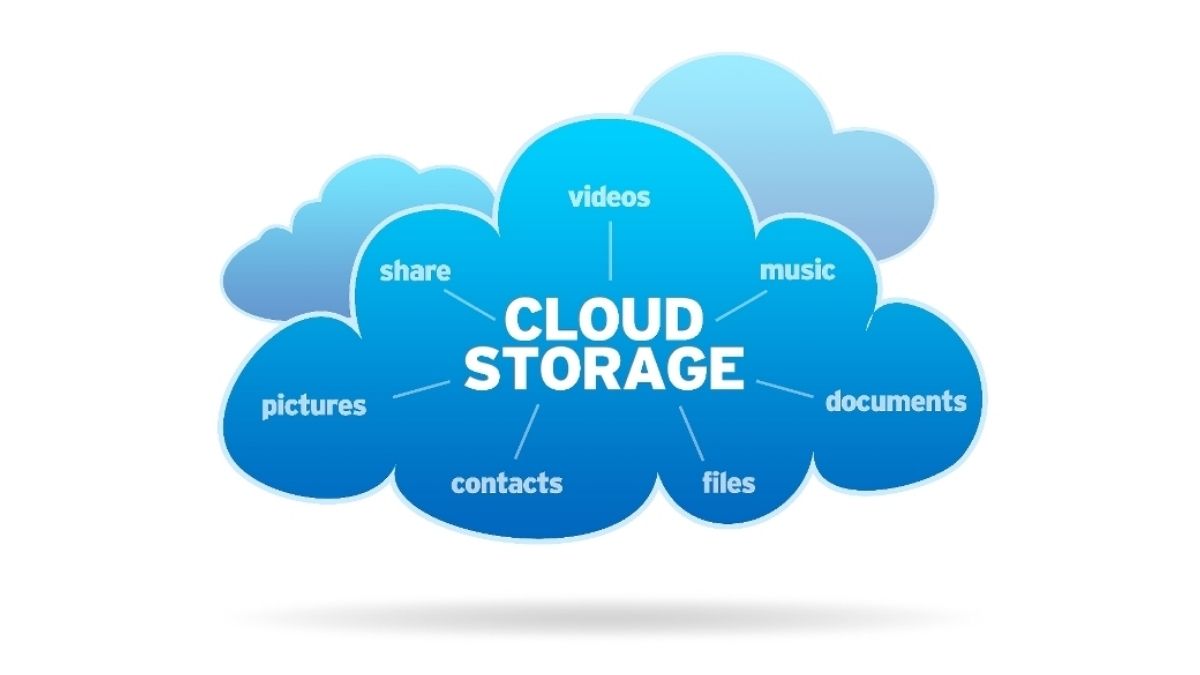
Large cloud environments can accumulate datasets that differ greatly in value and frequency of use. AI can analyze those patterns, identify redundant or rarely accessed data, and help place information in more suitable storage tiers.
The same approach can reduce routine administrative work. For example, AI could automatically review how often files are accessed, move rarely used data to lower-cost storage, and keep frequently used data in faster tiers without requiring teams to reorganize it manually.
Better decisions from cloud data
Cloud platforms may hold large volumes of both structured and unstructured information, but traditional reporting can leave useful patterns difficult to detect. AI can process those datasets at greater scale and surface trends, relationships, or anomalies closer to real time.
This shifts decision-making from simply reviewing past reports toward anticipating what may happen next. Businesses can use those signals to prepare for possible market changes, operational bottlenecks, or other emerging issues earlier.
Faster product and service improvement
AI can help organizations make better use of market data, competitive information, and customer feedback stored or processed in the cloud. By identifying recurring patterns in that information, teams can spot where products or services may need adjustment.
Cloud-based AI can also use customer data to support more personalized experiences at scale. Faster analysis and iteration can help organizations respond to feedback sooner, which may improve customer satisfaction and retention.
Stronger cloud security
Cloud security becomes more proactive when AI analyzes both historical and current activity for unusual behavior linked to fraud or cyber threats. For example, a sudden change in transaction or access patterns can be flagged for review before it develops into a larger incident. This gives security teams earlier signals instead of relying only on manual checks or static rules.
AI can also take over repetitive detection and monitoring tasks that consume analyst time. Automated alerts and first-line responses can reduce the volume of routine work reaching security teams. As a result, specialists can spend more time investigating difficult threats, refining defenses, and preparing for new attack patterns.

Key Challenges of Deploying AI in Cloud Computing
Deploying AI in cloud computing can create new risks if security, architecture, vendor dependency, and compliance requirements are not planned carefully. What businesses should be concerned about is balancing the flexibility of cloud-based AI with enough control over data, access, infrastructure, and regulatory obligations.
1. Protecting Sensitive Data and AI Access
Connecting AI models and applications to cloud workflows can increase the exposure of sensitive data if access and governance controls are weak. IBM’s 2025 Cost of a Data Breach report showed that 13% of organizations had experienced a breach involving AI models or applications, while 97% of those organizations lacked proper AI access controls.
Cloud-based AI therefore needs tighter control over who and what can access sensitive data. Identity and access management (IAM) can define these permissions, while non-human identity management (NHIM) covers machine identities used by AI systems and automated processes.
Together, these controls help protect proprietary business data, personally identifiable information (PII), and other sensitive information from unauthorized access.

2. Scalability without losing control
Public cloud environments allow organizations to increase or reduce resources quickly, but that flexibility can come with less infrastructure control than private environments. Legacy workloads may also be difficult to operate effectively after moving into the cloud.
A hybrid cloud model can help balance these trade-offs by combining cloud scalability with greater control over where certain workloads and AI capabilities run.
3. Avoid dependence on a single cloud provider
AI workloads can become harder to move when they rely on proprietary tools or services from one cloud vendor. This can limit flexibility if pricing changes or future requirements no longer fit that provider.
Using a multicloud model can reduce that dependency. Workloads and services can be spread across multiple providers, giving organizations more options as AI needs change.
4. Building Compliance into AI Cloud Operations
Compliance becomes more difficult when AI systems process data across cloud environments, because organizations must account for how data is stored, accessed, transferred, and used. Depending on the industry and data involved, requirements may come from frameworks such as CCPA, GDPR, or HIPAA.
The issue is no longer limited to data privacy and security. AI-specific rules are also increasing expectations around transparency, explainability, and governance. For this reason, compliance needs to influence how AI workloads are designed and managed from the start, rather than being checked only after deployment.

How AI Is Used Across Different Cloud Environments
AI in cloud computing supports different business functions by combining cloud-based data, computing resources, and AI capabilities. Common applications include customer service, financial analysis, and continuous security monitoring.
Customer support in retail and ecommerce
AI chatbots in ecommerce can use natural language processing (NLP) to understand what customers are asking instead of relying only on fixed FAQ responses. They can also use historical customer data to tailor product suggestions and provide assistance outside normal service hours.
For example, a shopper asking for a suitable product can receive recommendations based on previous interactions or purchase history, rather than navigating a static FAQ page.

Financial analysis and risk detection
AI-powered cloud analytics can process financial data such as market feeds and transaction records to surface patterns linked to market movement, financial risk, or fraud. Machine learning can pick up subtle changes in that data that may be missed during manual review.
Unusual transaction behavior can then be flagged for closer investigation. The same cloud-based analysis can also use detailed client data to support more personalized investment guidance.
Cyber threat monitoring
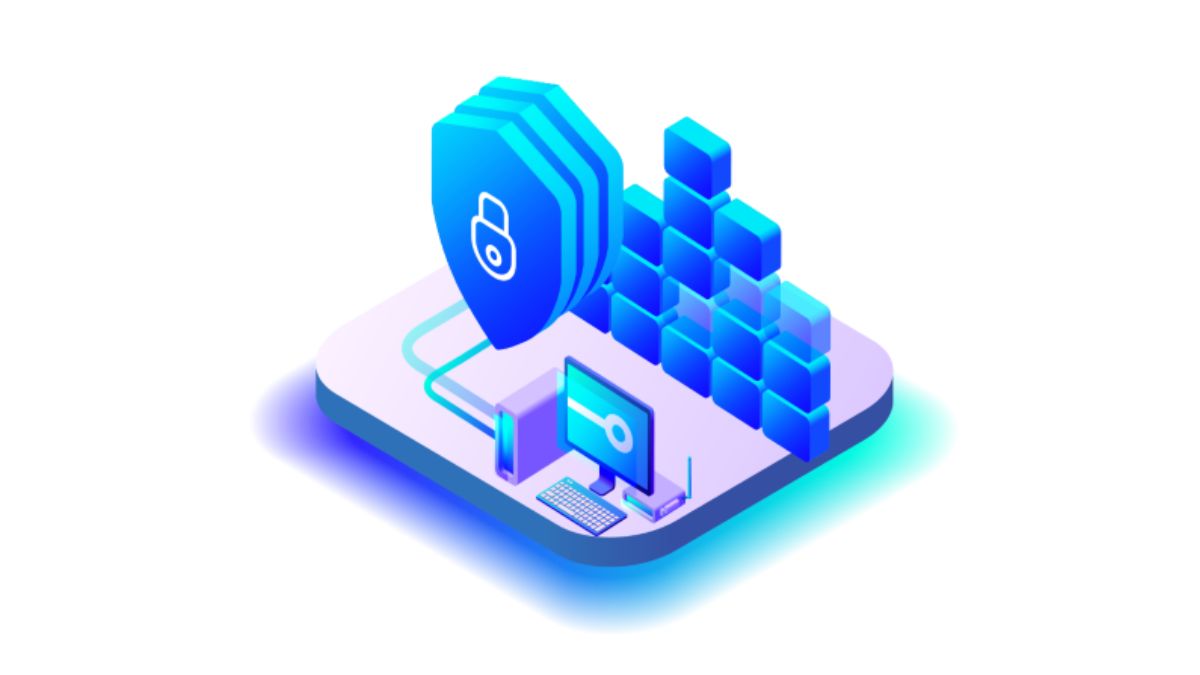
AI-enabled cloud security tools can monitor activity continuously and identify suspicious behavior as it appears. Certain response actions can also be automated, reducing the amount of routine monitoring handled by security teams.
For example, when a cloud security system detects behavior that matches a potential threat pattern, it can identify the issue in real time and trigger an automated response. Human teams can then spend more time on investigation and longer-term defense planning.
Business intelligence and market analysis
Cloud platforms can store and move large volumes of business data, while AI can analyze that information using predictive models. This allows organizations to examine market trends, target customer groups, and competitor activity in one data-driven workflow.
For example, a company could combine market and audience data in the cloud, then use AI analysis to identify patterns that may help guide planning or business decisions.
Best Practices for Implementing AI in Cloud Computing
After weighing the benefits and challenges of AI in cloud computing, the next step is turning a suitable use case into a workable implementation plan. That means choosing the right cloud provider, setting governance and security rules early, and defining how results will be measured over time.
Start with high-value AI use cases
The first step is to identify where AI can create a clear operational or business benefit. That may mean reducing repetitive manual work, improving a decision process, or adding intelligence to an existing cloud workflow.
A focused use case also makes implementation easier to scope. Teams can estimate the time, resources, and technical effort required before committing to a broader rollout.
Match the cloud provider to the project
Cloud providers differ in the AI tools and services they offer, so the selection should be based on the actual requirements of the project rather than provider popularity alone. The chosen platform should fit the intended AI workload and longer-term operating needs.
It is also worth considering how dependent the solution may become on provider-specific services. Planning for portability early can reduce the risk of vendor lock-in if the organization needs to change platforms later.
For more guidance on planning a move between cloud environments, read our guide about cloud migration strategy to understand the key considerations before changing platforms or providers.
Define AI governance before scaling
An AI governance framework should clarify where AI can be used, which data sources are acceptable, and what rules apply to vendors and internal teams. Clear boundaries help keep AI usage aligned with compliance requirements and established business policies.
Governance can also reduce problems in generated outputs by narrowing the data sources used by AI systems and agents. Principles such as transparency and explainability give teams a clearer basis for reviewing how those systems are used.
Build security into the cloud architecture
Cloud AI workloads need several layers of protection. Data access controls restrict who can reach sensitive information, while identity management determines which users or systems can access specific models and datasets.
Sensitive training data should be kept in dedicated environments or private subnets that meet relevant geographic requirements. Encryption should protect that data both while stored and while moving between systems.
Access should also follow the principle of least privilege. Teams should only receive access to the models, datasets, and systems required for their work instead of the entire environment.

Track AI ROI over time
AI ROI should be measured against business outcomes, not just the amount of work automated. Depending on the use case, useful metrics may include cost savings, reduction in manual processing time, productivity gains, error rates, response time, revenue impact, or changes in operating expenses.
Measurement should continue after deployment. As models, data, and business requirements change, the cost and value of the AI system may also change, making ongoing evaluation necessary.
Cloud AI Trends: How AI Is Reshaping Cloud Computing
Several related technologies are extending what cloud-based AI can do, from faster processing at the edge to easier AI development through low-code tools. Below are some notable trends that technology leaders should keep an eye on.
Low-code and no-code AI development
Low-code and no-code platforms are making AI application development accessible to users with less programming experience. No-code platforms combine pre-built AI models with drag-and-drop interfaces, allowing applications to be created without writing code.
Low-code tools follow a similar approach but still require some programming knowledge. Their main advantage is reducing the technical effort needed to build and test AI applications in cloud environments.
Quantum computing for more complex AI workloads
Quantum computing has the potential to expand what AI systems can process by solving certain complex problems beyond the reach of traditional computing methods. Quantum algorithms may also speed up machine learning training by processing larger datasets more efficiently.
This could be particularly relevant in areas such as finance, logistics, and pharmaceuticals, where faster calculations can support quicker analysis and decision-making.
Edge AI for faster local processing
Edge computing moves data processing closer to where information is generated instead of sending everything back to cloud servers. When combined with AI, this allows connected devices to analyze data locally and return results with lower latency and less bandwidth usage.
This approach can support use cases that depend on real-time processing, including manufacturing and healthcare. Keeping sensitive data on local devices can also reduce the amount of information transmitted to the cloud.
AI-driven resource management for greener cloud operations
Cloud providers are placing more attention on energy consumption and data center efficiency. AI can contribute by monitoring how resources are used and helping organizations allocate them more efficiently.
Predictive analytics can also be used to anticipate environmental changes and inform sustainability planning. This gives organizations another way to connect cloud resource management with broader environmental targets.
AI-enhanced augmented reality experiences
AI and augmented reality can work together to make digital interactions more responsive and useful. In manufacturing, AR applications can combine visual overlays with AI analysis to help workers interact with equipment and information in real time.
For example, an AR interface could display relevant equipment information while AI analyzes available data to help workers interpret what they are seeing and make faster operational decisions.
Conclusion
AI in cloud computing creates the most value when the use case, cloud environment, and operating controls are aligned from the start. The priority is to apply AI where it can improve automation or analysis, while keeping security, governance, scalability, and vendor dependency manageable.
If you are planning an AI-enabled cloud initiative, Newwave Solutions can help turn the idea into a practical implementation plan. Our team can assess where AI fits your cloud environment, shape the architecture, and build the required AI capabilities with security, scalability, and long-term maintainability in mind. Talk to our experts to discuss how our AI development services can support your next cloud AI project.
FAQs
1. How can AI be used in cloud computing?
AI can be used to automate cloud operations, analyze large volumes of data, detect unusual activity, support predictive analysis, and improve resource allocation. It can also power cloud-based services such as chatbots, intelligent analytics, and automated security monitoring.
2. Can AI replace cloud computing?
No. AI and cloud computing serve different purposes. Cloud computing provides the infrastructure, storage, and computing resources needed to run applications, while AI adds capabilities such as automation, prediction, and data analysis on top of that infrastructure.
3. What is the role of AI in cloud security?
AI can monitor cloud activity, identify suspicious patterns, and support faster threat detection. It can also automate parts of routine security monitoring, helping security teams spend more time on investigation and defense planning.
4. What are some examples of AI in cloud computing?
Examples include AI chatbots in retail, machine learning for financial risk and fraud detection, continuous cloud threat monitoring, predictive resource management, and cloud-based analytics for large datasets.
5. How does AI help reduce cloud computing costs?
AI can identify underused resources, reduce repetitive operational work, and adjust resource allocation as demand changes. Predictive analysis can also help estimate future capacity needs, which may reduce overprovisioning and unexpected cloud spending.
To Quang Duy is the CEO of Newwave Solutions, a leading Vietnamese software company. He is recognized as a standout technology consultant. Connect with him on LinkedIn and Twitter.



Read More Guides
Get stories in your inbox twice a month.
Let’s Build Something Extraordinary
Sign up for a 30 min no-obligation strategic session with us. Transform your Ideas into scalable reality.
Leave a Reply