


On-Premise vs Cloud: Key Differences, Pros, Cons & How to Choose
Choosing the right infrastructure model can be challenging when organizations must balance control, cost, scalability, and operational complexity. The decision between on-premise vs cloud often comes down to uncertainty about whether owning infrastructure or relying on cloud services will better support long-term business needs.
Understanding the strengths and limitations of each approach is essential before making an infrastructure investment. This article compares on-premise and cloud models, analyzes their impact on cost, control, scalability, and maintenance, and explains which one may be the right fit.
Key Takeaways
|
What Is On-Premise Infrastructure?
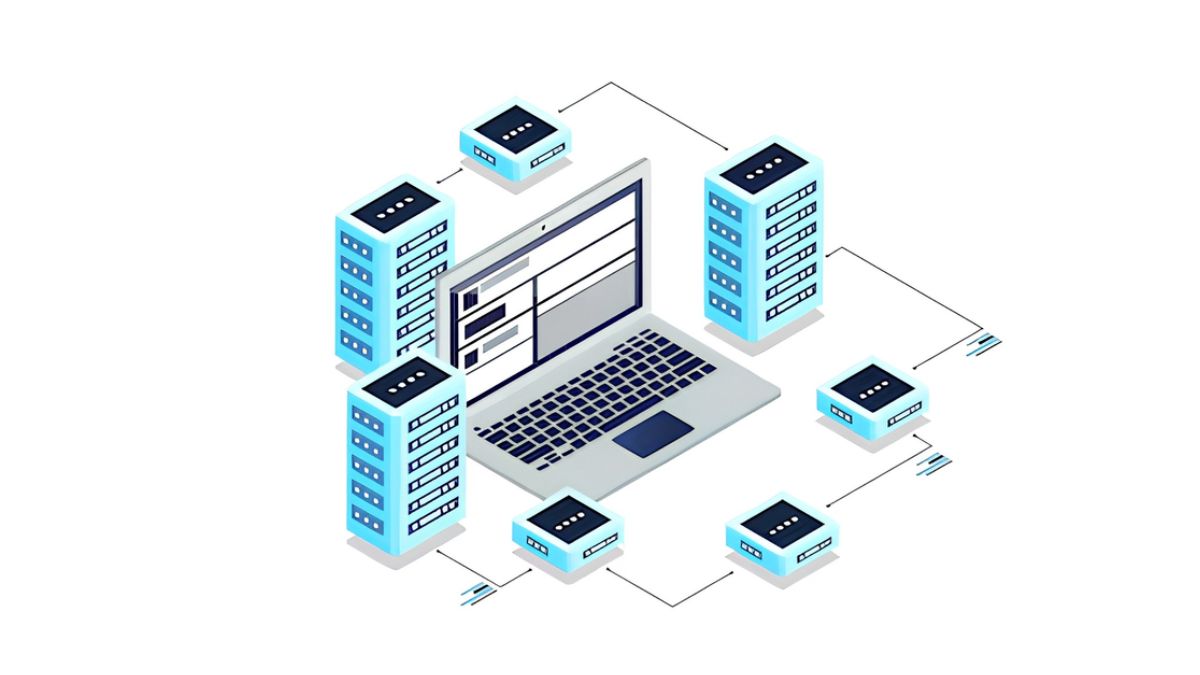
On-premise infrastructure refers to an IT environment where an organization hosts and manages its applications, software, and hardware within its own physical facilities.
In this model, the organization typically purchases software licenses and deploys applications on its internal infrastructure. This gives the business direct control over where data is stored, how systems are configured, and how security policies are applied. The main components that an organization owns and manages in an on-premise environment include:
- Hardware infrastructure: Physical servers, storage systems, networking equipment, and other computing resources needed to operate business applications.
- Software licenses and applications: Licensed software purchased by the organization and installed within its own environment, allowing greater control over application configuration and usage.
- Data storage and location: Business data remains within internally managed systems, providing visibility into data location and access management.
- Infrastructure management: Internal teams are responsible for maintaining systems, applying updates, configuring security settings, and planning future capacity requirements.
Pros and cons of on-premise infrastructure
On-premise infrastructure provides organizations with direct ownership and control over their IT environment, but this approach also requires greater responsibility for managing resources internally.
When evaluating on-premise vs cloud pros and cons, businesses need to consider not only security and control benefits but also the long-term impact on cost, scalability, and operational workload.
| Advantages | Disadvantages |
|---|---|
| Greater control over data, systems, and security policies | Higher upfront investment for hardware, software licenses, and infrastructure setup |
| Easier compliance management through direct control of internal systems | Ongoing maintenance responsibilities for internal IT teams |
| Independence from external providers and internet-related disruptions | Limited scalability compared with cloud environments |
| Greater customization for specific technical requirements | Resources can be less flexible when business demands change |
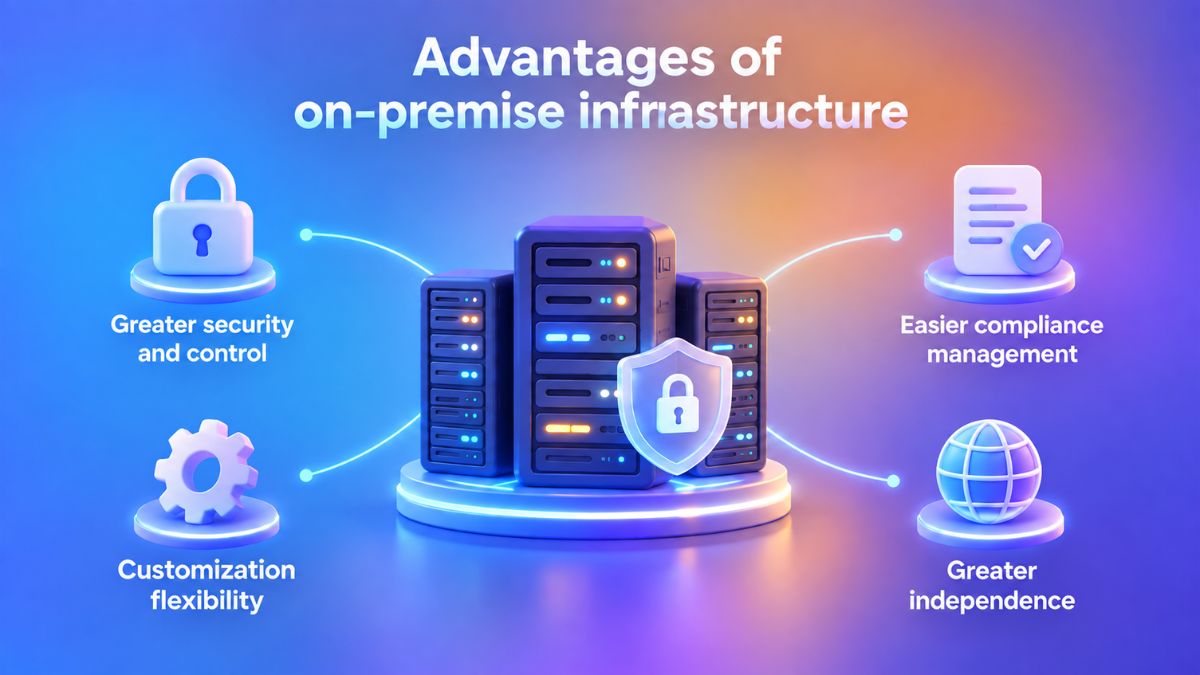
Advantages of on-premise infrastructure
The ownership model can provide several benefits for businesses that prioritize control, customization, and direct management of their IT environment. Key benefits of on-premise vs cloud include:
1. Greater security and control
Hosting applications and data within an internally managed environment gives organizations direct oversight of where information is stored and how access is controlled. This can be useful when businesses need tighter governance over sensitive systems or internal security policies.
2. Easier compliance management
Organizations can apply and verify required security procedures directly within their own infrastructure. This gives internal teams clearer visibility into how compliance controls are configured and maintained.
For industries like healthcare or finance, on-premise control means audit teams can directly inspect access logs and security configurations without waiting on a third-party provider’s compliance reports.
3. Greater independence
Locally hosted systems can continue supporting internal operations without depending entirely on an external cloud platform. For example, if a regional internet outage disrupts cloud connectivity, an on-premise application running within the company’s internal network may remain accessible to local users because it does not rely on external cloud infrastructure.
4. Customization flexibility
On-premise environments can be configured around specific applications, internal systems, or specialized hardware. This makes the model suitable for businesses that rely on dedicated architectures or technical environments that cannot be easily standardized.
Disadvantages of on-premise infrastructure
However, greater ownership also means greater operational responsibility. Before choosing an on-premise approach, organizations need to evaluate the potential challenges related to investment, maintenance, scalability, and resource flexibility.
1. Higher infrastructure and hardware costs
On-premise infrastructure requires businesses to invest in servers, storage, networking equipment, software licenses, and supporting facilities before the environment is fully operational. These assets also create ongoing expenses for maintenance, upgrades, power, cooling, and hardware replacement over time.
2. Ongoing maintenance burden
On-premise infrastructure requires internal teams to manage hardware maintenance, software updates, backups, security patches, and day-to-day system operations. These ongoing responsibilities can increase IT workload and require dedicated technical resources to keep infrastructure reliable and up to date.
3. Limited scalability
Scaling on-premise infrastructure usually requires additional hardware to be purchased, installed, configured, and integrated into the existing environment. This makes capacity expansion more dependent on procurement cycles and physical deployment, which can slow the response to sudden or unexpected increases in demand.
4. Less flexible resource management
Physical infrastructure must be planned based on expected future needs. If demand increases unexpectedly, existing resources may become insufficient; if demand decreases, some purchased capacity may remain underutilized.
What Is Cloud Infrastructure?
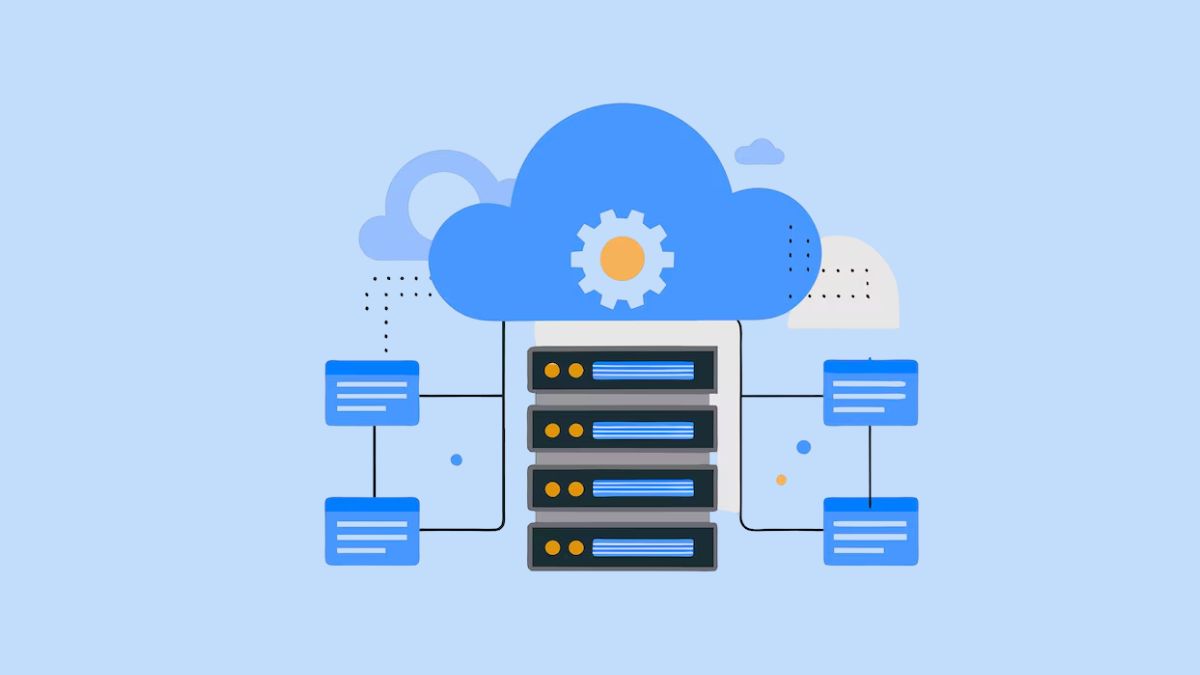
Cloud infrastructure is an IT environment where applications, software, and computing resources are hosted and managed by a third-party cloud provider rather than being maintained entirely within an organization’s own facilities.
Instead of purchasing and operating physical servers internally, businesses access computing resources such as storage, processing power, and applications through cloud platforms based on their actual usage requirements.
Although cloud providers handle the underlying infrastructure, moving to the cloud does not remove all technology management responsibilities. Organizations still need to manage areas such as application configuration, user access, data management, security settings, and compliance requirements depending on their cloud model and business needs.
For organizations evaluating different cloud strategies, understanding how services are deployed and managed is an important step. Learn more about the differences between cloud deployment approaches in our guide to single cloud vs multi-cloud.
Pros and cons of cloud infrastructure
When comparing on premise vs cloud pros and cons, the main advantages of cloud infrastructure come from flexibility, faster deployment, and reduced infrastructure management, while the key challenges relate to control, dependency, and compliance considerations.
| Advantages | Disadvantages |
|---|---|
| Lower upfront investment by avoiding the need to purchase physical infrastructure | Dependency on cloud providers for infrastructure availability and performance |
| Faster resource provisioning and application deployment | Reliance on stable internet connectivity for access |
| Automatic maintenance and software updates handled by providers | Potential compliance challenges depending on data requirements and regulations |
| Flexible scalability based on changing workloads | Reduced direct control over underlying infrastructure |
| Supports remote access to applications and data | Possible concerns around vendor dependency and long-term management |
Advantages of cloud infrastructure
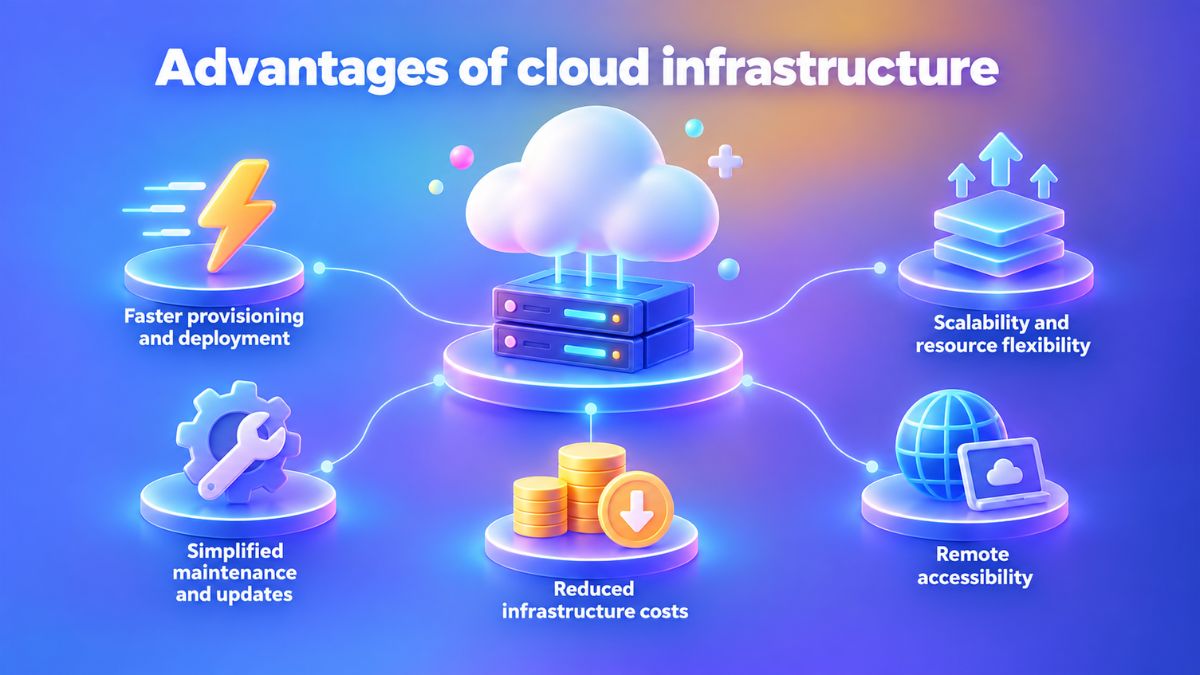
Cloud infrastructure provides businesses with greater agility by making IT resources easier to deploy, manage, and adjust based on actual needs. The main advantages include:
1. Faster provisioning and deployment
Cloud platforms provide ready-to-use infrastructure resources that can be provisioned without first installing physical hardware. This can shorten the time needed to prepare environments for new applications or services.
2. Scalability and resource flexibility
Cloud environments allow organizations to increase or decrease computing resources based on workload changes. This helps avoid situations where infrastructure capacity is either insufficient during high demand or underused when requirements decrease.
3. Simplified maintenance and updates
Cloud providers handle many underlying infrastructure tasks, including system maintenance and software updates. This reduces the amount of infrastructure-level work that internal teams need to manage.
4. Reduced infrastructure costs
Cloud infrastructure reduces the need for businesses to make large upfront investments in physical servers, storage, and data center equipment. Resources can be provisioned based on current demand, allowing organizations to align infrastructure spending more closely with actual usage and scale capacity as requirements change.
5. Remote accessibility
Since cloud applications and data can be accessed through internet-connected devices, employees can work with business systems from different locations. This flexibility supports distributed work models and improves access to digital resources.
Disadvantages of cloud infrastructure
Despite its flexibility and scalability benefits, cloud infrastructure also introduces considerations around control, dependency, and operational risks. Here are the main disadvantages:
1. Dependency on cloud providers
Cloud environments rely on third-party providers to maintain the availability, performance, and reliability of the underlying infrastructure. If a provider experiences an outage, service degradation, or regional disruption, businesses may temporarily lose access to dependent applications and have limited control over how quickly the issue is resolved.
2. Reduced infrastructure control
Cloud users have less direct control over physical hardware, network configurations, and certain infrastructure settings managed by the provider. This can make cloud less suitable for workloads that depend on highly specialized configurations, proprietary hardware, or strict customization requirements at the infrastructure layer.
3. Internet dependency
Access to cloud-based applications and computing resources depends heavily on stable network connectivity between users, business locations, and the cloud provider. Internet outages, bandwidth limitations, or high latency can slow application performance, interrupt access to critical systems, and affect operations that require continuous connectivity.
4. Compliance and data management considerations
Organizations handling regulated or sensitive data need to evaluate where data is stored, how it is processed, who can access it, and whether the provider meets relevant security and compliance requirements. Skipping a review of data residency, access controls, retention policies, or regulatory obligations before adopting cloud services can expose the business to compliance and governance risks.
For businesses looking to build or modernize applications in a cloud environment, you need to consider how those applications should be designed, developed, and deployed. Learn more about the development approaches, architecture considerations, and business benefits in our guide to cloud application development.
On-Premise vs Cloud at a Glance
The differences between on-premise and cloud infrastructure become clearer when comparing how each model handles ownership, cost, scalability, security, and maintenance.
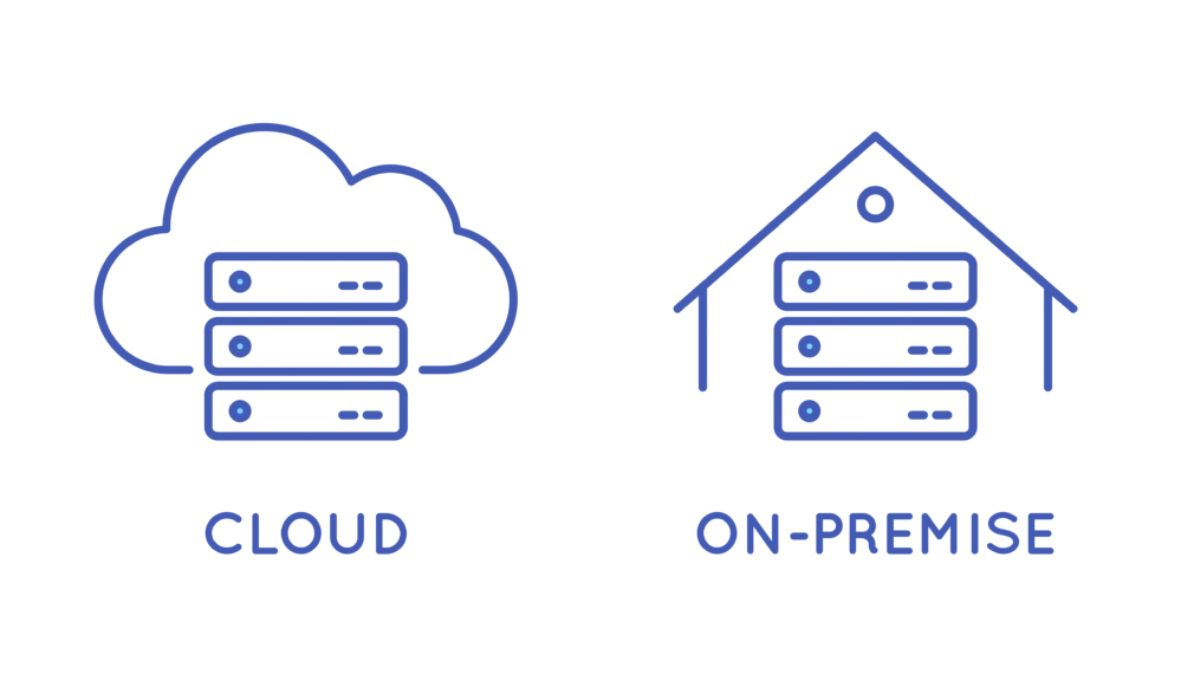
The following cloud vs on premise comparison chart provides a quick overview of the key factors businesses should evaluate when choosing an infrastructure approach.
| Feature | On-Premise | Cloud |
|---|---|---|
| Control | Provides direct control over infrastructure configuration, data location, and security policies. | The cloud provider manages the underlying infrastructure, while users manage their applications and data based on the service model. |
| Location | Infrastructure, including servers, hardware, and software, is hosted within the organization’s own facilities. | Applications and infrastructure are hosted remotely by a third-party cloud provider across external data centers. |
| Scalability | Scaling requires additional hardware purchases and physical infrastructure changes, which can take more time. | Resources can be adjusted more easily based on changing workloads and business requirements. |
| Maintenance | Internal teams are responsible for hardware maintenance, updates, backups, and system management. | The cloud provider handles infrastructure maintenance, upgrades, and many underlying operational tasks. |
| Security | Organizations directly manage security controls and policies within their own environment. | Security responsibilities are shared with the cloud provider, requiring evaluation of provider security practices and policies. |
| Cost | Requires higher upfront investment for hardware, software licenses, installation, and ongoing infrastructure management. | Typically involves lower initial costs through subscription-based or pay-as-you-use pricing models. |
On-Premise vs Cloud: 8 Key Differences
While both approaches can support business applications, they differ significantly in ownership, resource management, and long-term operational impact. The following sections explore the key differences in the on premise vs cloud comparison.
On-premise vs cloud cost structure and total cost of ownership
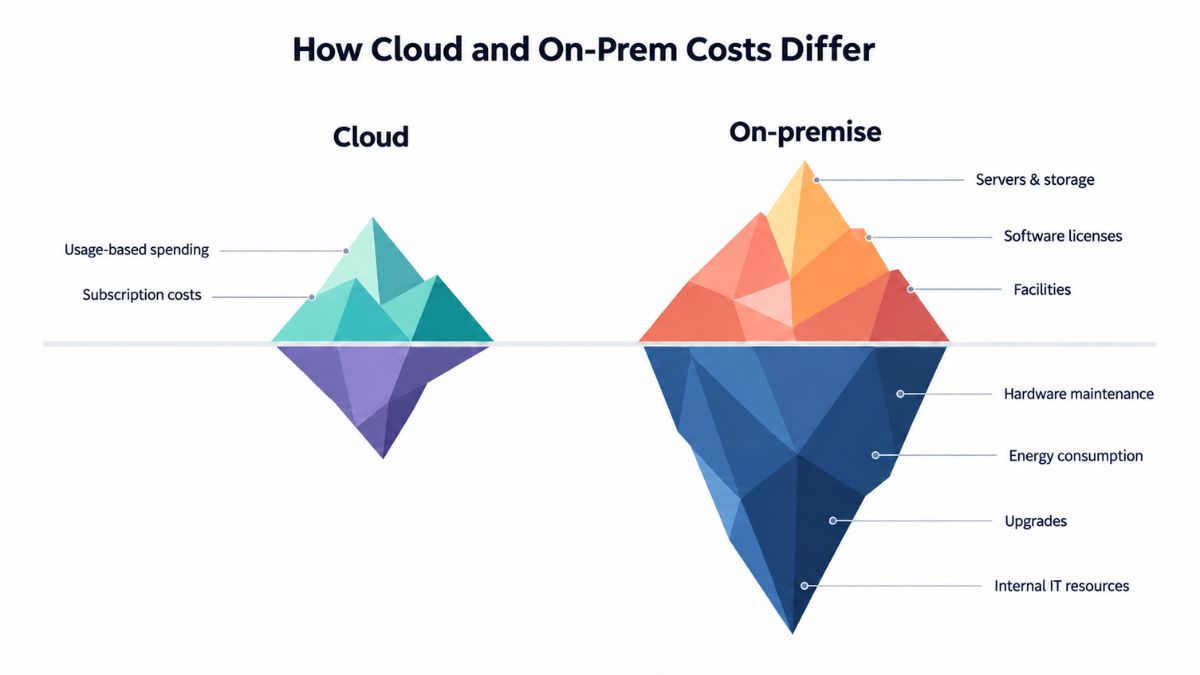
The traditional infrastructure model requires organizations to make significant upfront investments in servers, storage, software licenses, and supporting facilities. Businesses must also account for ongoing expenses such as hardware maintenance, energy consumption, upgrades, and internal IT resources needed to manage the environment.
The cloud approach shifts spending from capital investment to operational costs. Instead of purchasing and maintaining physical infrastructure, organizations typically pay based on the resources they use. Although recurring subscription costs remain, this model reduces the need for large initial investments and infrastructure upkeep.
Cloud TCO therefore needs to be assessed over the full usage period as well, since recurring service fees and consumption can accumulate even when hardware ownership costs are reduced.
Control and customization
On-premise environments provide organizations with direct ownership and control over their infrastructure, applications, and data. This can suit businesses running legacy applications, proprietary AI workloads, or systems that depend on dedicated hardware or tightly controlled data environments.
In a cloud environment, the underlying infrastructure is managed by the cloud provider. Organizations still control their applications, configurations, and data usage, but they have less influence over hardware choices and infrastructure-level decisions. For highly specific technical requirements, this may require architecture changes or more specialized cloud services.
Scalability and flexibility
Scaling an on-premise environment usually requires purchasing additional hardware, expanding storage capacity, and making physical infrastructure changes. This process can take significant time and may result in either insufficient capacity during periods of growth or unused resources when demand decreases.
Meanwhile, cloud environments allow businesses to adjust computing resources more dynamically based on workload requirements. Organizations can scale resources up during periods of higher demand or reduce usage when requirements decline, providing greater flexibility compared with fixed physical infrastructure.
Maintenance and IT resources
On-premise infrastructure requires internal teams to handle deployment, monitoring, maintenance, updates, backups, and hardware troubleshooting. This provides direct management control but also creates a greater operational workload.
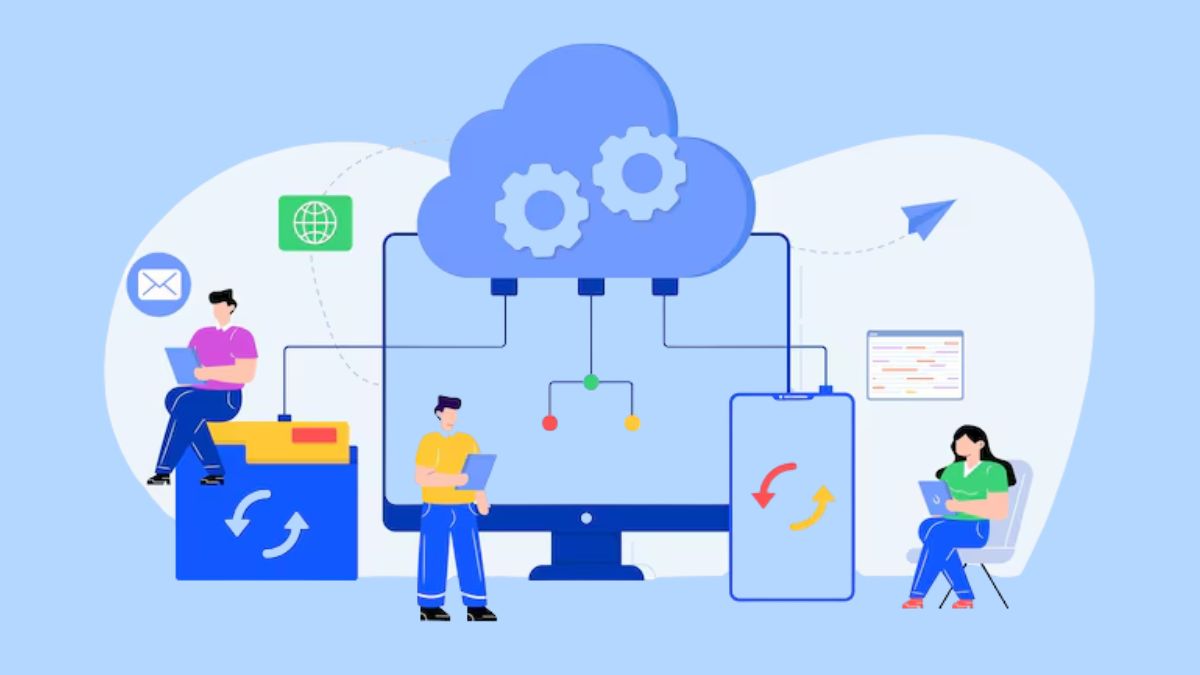
Cloud infrastructure reduces the need for organizations to manage physical systems directly because the provider handles many underlying maintenance activities. This can mean shifting IT staff from routine patching and hardware troubleshooting toward higher-value work such as application performance tuning or internal automation projects.
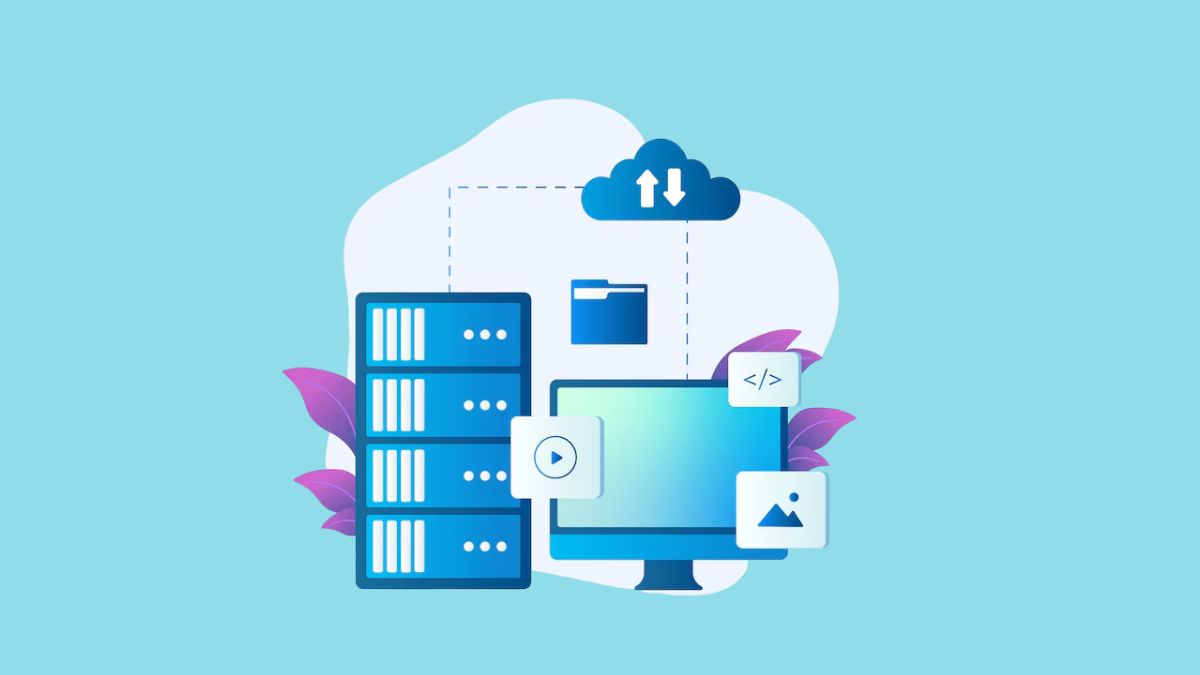
System performance and availability
With an internally managed infrastructure, organizations can maintain dedicated resources and have greater control over system performance. This approach can provide predictable performance for applications with specific computing, storage, or network requirements.
However, improving capacity or maintaining high availability often requires additional investment in hardware, infrastructure upgrades, and internal management efforts.
By contrast, cloud infrastructure provides access to flexible computing resources and provider-managed environments that can support high availability and rapid deployment. Cloud platforms can offer scalable performance options, but actual performance may still depend on factors such as network connectivity, service configuration, and the provider’s capabilities.
Business continuity and disaster recovery
With on-premise infrastructure, organizations are responsible for designing and maintaining their own backup systems, recovery processes, and protection strategies against hardware failures or unexpected disruptions. This provides direct control over recovery procedures but requires sufficient internal resources and planning to ensure systems can be restored effectively.
In comparison, cloud infrastructure can provide additional recovery options through virtualized environments and provider-supported services. Organizations can benefit from more flexible recovery approaches, but they still need to define appropriate backup policies, access controls, and recovery plans based on their business requirements.
Accessibility and remote work
In an on-premise environment, access to business applications and data is typically managed through internal networks. Supporting remote users may require additional configurations, security controls, and connectivity solutions to allow employees to access company systems outside the physical workplace.
On the other hand, cloud infrastructure enables applications and data to be accessed through internet-connected devices from different locations. This makes it easier to support distributed teams and remote work models without relying entirely on internal network access.
Security
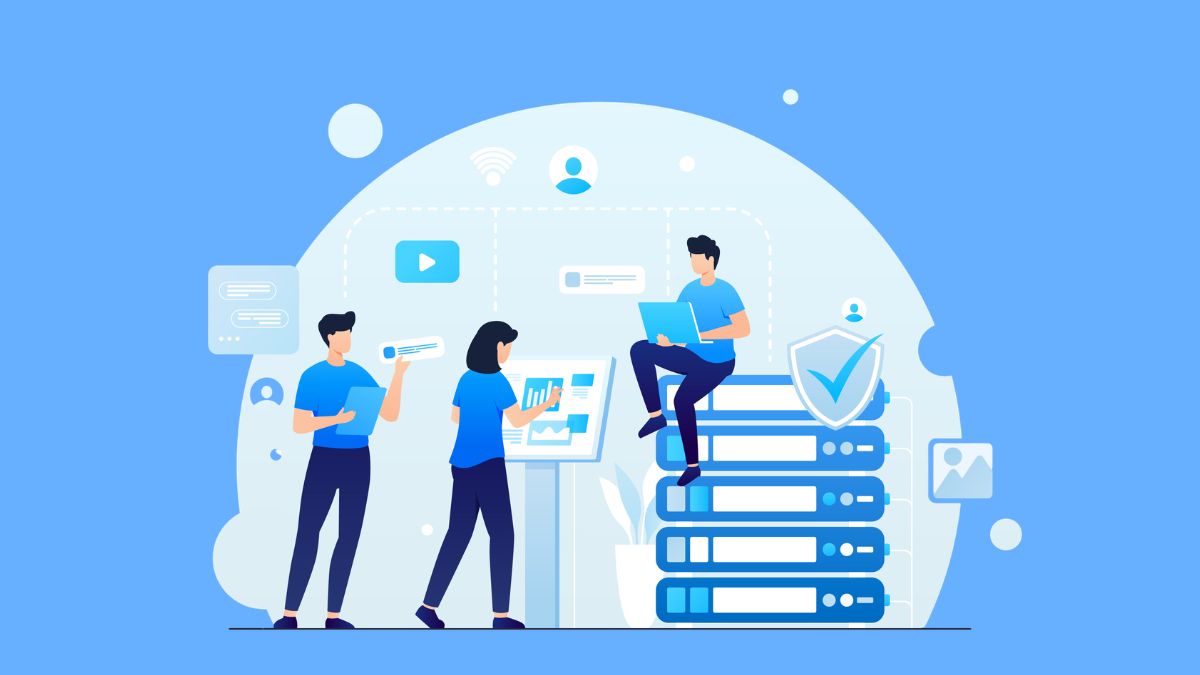
With on-premise infrastructure, organizations retain direct control over data storage, security configurations, and access policies. This level of ownership allows businesses to implement security measures according to their specific requirements and can be valuable for industries with strict privacy or regulatory considerations.
However, cloud infrastructure uses a shared responsibility model, where the provider manages the security of the underlying infrastructure while organizations remain responsible for protecting their applications, users, and data configurations. Therefore, businesses need to carefully evaluate provider security practices, compliance capabilities, and access management policies before adoption.
What About Hybrid Cloud?
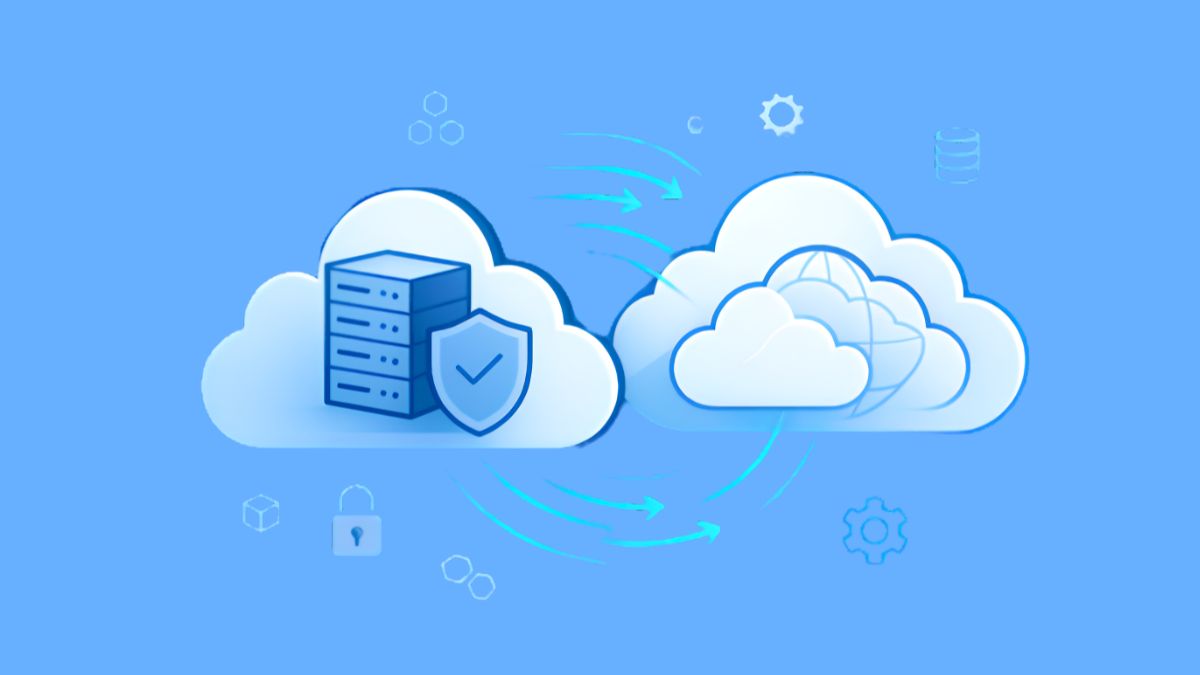
The choice between on-premise and cloud infrastructure does not always require selecting one model entirely. For many organizations, a hybrid cloud approach provides a middle ground by combining on-premise resources with public or private cloud services.
A hybrid cloud environment allows businesses to keep certain applications, systems, or data within their own infrastructure while using cloud resources for other workloads. This approach enables organizations to move applications and data between environments based on factors such as performance requirements, security needs, compliance considerations, or changing business demands.
For example, a company may continue running sensitive systems on its internal infrastructure while using cloud platforms for applications that require greater scalability or faster deployment.
By combining the control of on-premise environments with the flexibility of cloud services, hybrid cloud can help organizations create a more adaptable infrastructure strategy for the on-premise vs cloud decision.
On-Premise vs Cloud: Which Is Right for Your Business?
There is no universal answer when choosing between different infrastructure models. The right approach depends on how well each option aligns with an organization’s operational goals, technology environment, and long-term plans. Understanding the strengths and limitations of each model helps businesses make a more informed decision in the on premise vs cloud comparison.
When to choose on-premise
An on-premise approach is typically considered when maintaining direct ownership and control over the technology environment is a priority. This model may be suitable for organizations with specific infrastructure requirements or systems that need to remain closely managed internally.
Consider an on-premise solution when you
- Require extensive customization or integration with legacy applications and existing internal systems.
- Need to maintain direct control over data location, security policies, or regulatory requirements.
- Have stable workloads that do not require frequent scaling based on changing demand.
- Have the resources and budget to invest in hardware, infrastructure management, and ongoing maintenance.
- Need highly specific performance requirements, such as low-latency processing or dedicated computing resources.
When to choose cloud
Cloud infrastructure is often preferred when organizations need greater flexibility and want to reduce the effort involved in managing physical infrastructure. This approach allows businesses to access resources more quickly and adjust capacity based on changing requirements.
A cloud solution may be the right choice when you:
- Have teams or users distributed across multiple locations who need flexible access to systems.
- Need to deploy applications quickly with lower upfront infrastructure investment.
- Manage workloads with changing or unpredictable resource requirements.
- Want internal IT resources to focus on product development rather than hardware maintenance.
- Prefer a subscription-based or usage-based cost model instead of large initial infrastructure investments.
When to choose hybrid
A hybrid model provides an alternative for organizations that do not want to fully commit to either infrastructure approach. By combining internal systems with cloud services, businesses can allocate different workloads to the environment that best fits their requirements.
A hybrid solution is the best fit when you:
- Want to integrate cloud capabilities with existing on-premise investments.
- Plan to transition gradually from on-premise systems to cloud environments.
- Need to keep critical systems or sensitive data within existing infrastructure while using cloud services for other applications.
- Have different workloads that require varying levels of security, performance, compliance, or scalability.
Moving From On-Premise to Cloud: What Should You Consider?
For many organizations, moving from on-premise systems to the cloud is becoming less about following a technology trend and more about supporting faster business change. Gartner expects cloud computing to become a standard business requirement by 2028, with over 50% of enterprises using industry cloud platforms to speed up business initiatives.
Cloud migration can also help organizations get more business value from the systems and information they already use. By moving suitable workloads to cloud-based platforms, businesses can deploy solutions faster, introduce new capabilities more easily, and give teams better access to information. Over time, this can translate into faster innovation and a better customer experience.
However, a cloud migration should be planned workload by workload rather than treating the entire IT environment as one move. A practical process can include:
- Assess the current environment: Review infrastructure, application dependencies, security and compliance requirements, performance needs, and migration risks.
- Classify each workload: Decide which systems are ready to migrate, which should remain on-premise, and which need to be modernized first.
- Set migration priorities: Determine the order of migration based on business importance, technical dependencies, and readiness.
- Plan the transition: Define how applications and data will move while accounting for integration, testing, and operational continuity.
For a more detailed approach to workload assessment and migration planning, read our guide to cloud migration strategy.
Move to the Cloud with a Clear Roadmap with Newwave Solutions
Choosing what to migrate is only the first step. Turning that decision into a controlled transition requires a roadmap that accounts for how applications, data, infrastructure, and business operations will work together in the target cloud environment.
At Newwave Solutions, we provide end-to-end cloud migration services across AWS, Azure, and Google Cloud. We start by understanding your current environment and migration goals, then define the target architecture, migration sequence, and technical approach for each workload. Our team supports the full cycle through implementation, validation, post-migration optimization, and ongoing support.
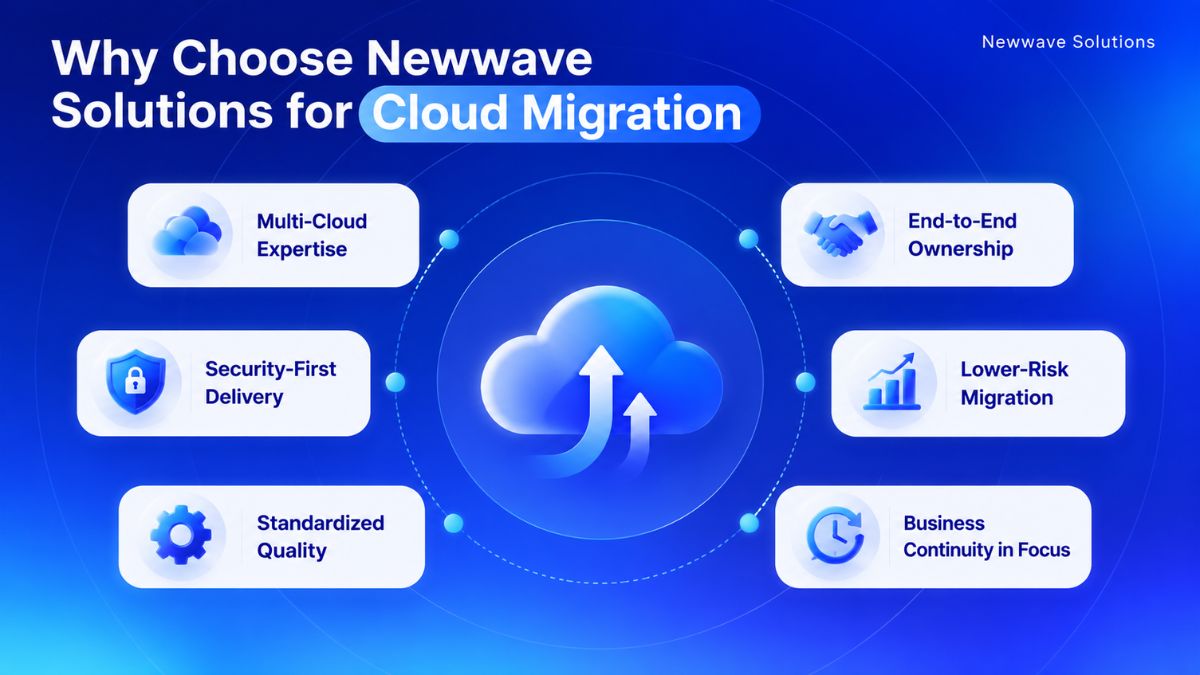
What makes Newwave Solutions a strong cloud migration partner:
- Multi-Cloud Expertise: Our certified specialists work across AWS, Azure, and GCP, helping businesses select cloud environments that fit their workload requirements.
- End-to-End Ownership: We cover the migration lifecycle from assessment and roadmap planning through implementation, testing, optimization, and post-migration support.
- Lower-Risk Migration: We apply established migration methods and automation where appropriate to reduce manual effort, control disruption, and move workloads more consistently.
- Business Continuity in Focus: For critical workloads, we plan migration around service continuity and aim to minimize disruption during the transition.
- Security-First Delivery: Our migration practices align with ISO 27001 principles, with security controls considered throughout planning, migration, testing, and deployment. Learn more about our certifications and recognized milestones behind our delivery practices.
- Standardized Quality: ISO 9001-certified quality management provides a consistent framework for delivery across each stage of cloud migration.
Ready to turn your migration plan into action? Talk to Newwave Solutions about your current infrastructure and target workloads, and we’ll help you define the next steps toward a practical, lower-risk cloud migration roadmap.
Conclusion
Choosing between on premise vs cloud comes down to how well each model matches your operational priorities and technology requirements. On-premise gives businesses more direct control over their environment, while cloud makes it easier to adjust resources and reduce the burden of managing physical infrastructure. For some organizations, combining both may also make sense.
The next step is to look at your environment workload by workload rather than making one decision for every system. That makes it easier to identify where migration can create value and where existing systems should remain or be modernized first. Newwave Solutions can support that process from assessment through migration planning. Book a FREE consultation with our experts to define your next move.
FAQs
1. What is on-premise vs cloud?
On-premise means an organization hosts and manages its applications, data, and infrastructure within its own facilities. Cloud uses computing resources hosted by a third-party provider and accessed through cloud platforms.
2. What is the difference between on-premises and cloud?
The main difference is who owns and manages the underlying infrastructure. On-premise gives organizations more direct control, while cloud shifts infrastructure management to the provider and offers more flexible scaling and provisioning.
3. What are the disadvantages of on-prem?
On-premise infrastructure usually requires higher upfront investment and ongoing internal maintenance. It can also be slower to scale because adding capacity often depends on purchasing, installing, and configuring more physical infrastructure.
4. Is cloud safer than on-premise?
Not necessarily. On-premise gives organizations direct control over security, while cloud uses a shared responsibility model where the provider secures the underlying infrastructure and the customer remains responsible for applications, users, and data configurations.
5. Is cloud actually cheaper than on-prem?
Cloud can reduce large upfront infrastructure costs because businesses typically pay through subscription or usage-based models. However, the total cost depends on ongoing resource usage, while on-premise also includes hardware, licensing, maintenance, energy, upgrades, and internal IT costs.
To Quang Duy is the CEO of Newwave Solutions, a leading Vietnamese software company. He is recognized as a standout technology consultant. Connect with him on LinkedIn and Twitter.



Read More Guides
Get stories in your inbox twice a month.
Let’s Build Something Extraordinary
Sign up for a 30 min no-obligation strategic session with us. Transform your Ideas into scalable reality.
Leave a Reply